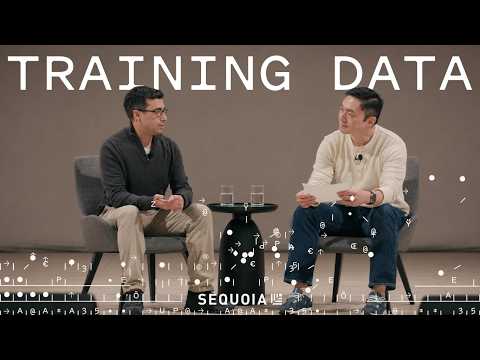

The proliferation of AI tools and services has introduced a new set of challenges for developers and IT administrators, particularly around authentication and access management. Garrett Galow, a Product lead at WorkOS, recently highlighted these issues during an AI Engineer Europe talk, focusing on how his company is working to simplify the process of connecting AI clients to various MCP (Multi-Client Protocol) servers.
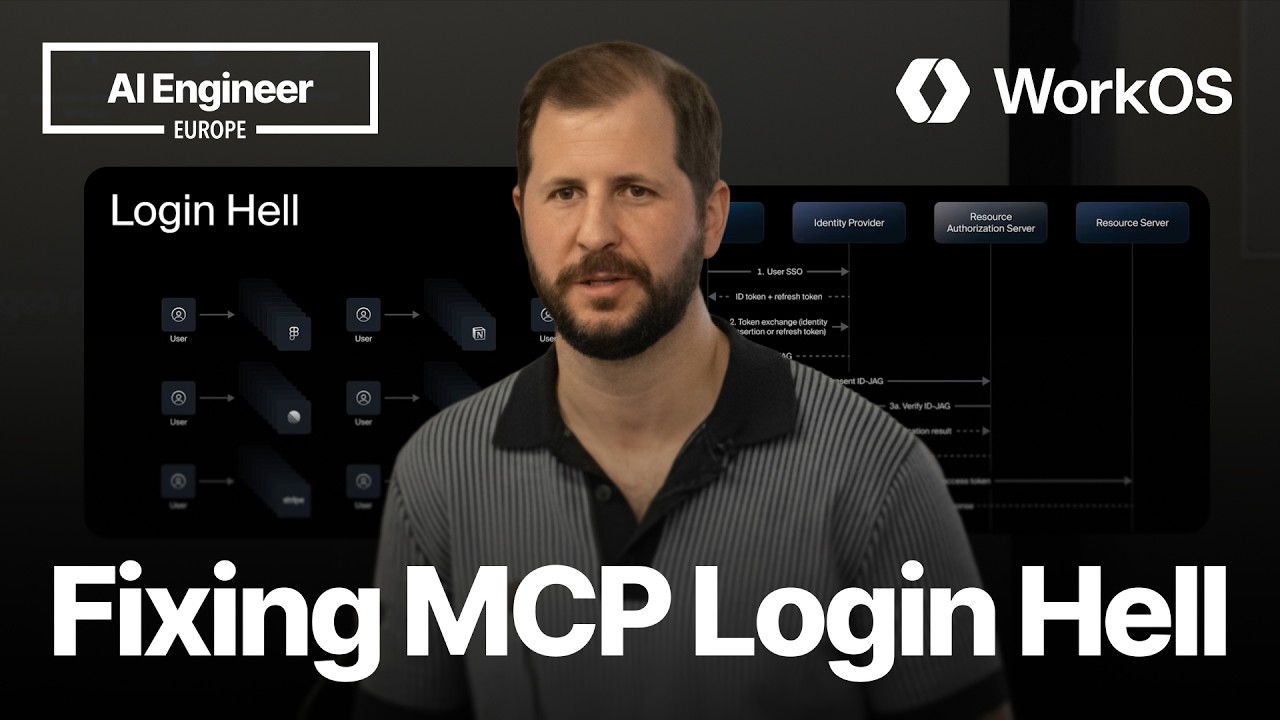
Garrett Galow's Background and WorkOS's Mission
Galow, with over 15 years of experience building enterprise developer platforms at companies like Microsoft Azure and Cloudflare, now leads product development at WorkOS. The company's core mission is to make applications and AI agents "enterprise-ready" by simplifying the authentication process. WorkOS powers authentication for leading AI companies such as Anthropic, Cursor, and OpenAI, enabling them to offer a more seamless experience for their users.
The Problem: "Login Hell" for AI Clients
Galow opened his presentation by describing the common pain point of "login hell" in the context of AI development. He illustrated this with a diagram showing a user needing to authenticate with numerous MCP servers, each requiring a separate login flow, often involving consent screens. This fragmented authentication process is not only time-consuming for individual users but also presents significant visibility and security challenges for IT departments. Without a central policy governing access, IT teams struggle to track which MCP servers are in use, which AI agents have access to sensitive data, and to revoke access effectively when needed. Furthermore, onboarding new employees involves manually connecting each tool, a process that is inefficient and prone to errors.
The Solution: Cross-App Access (XAA)
WorkOS proposes Cross-App Access (XAA) as a solution to this problem. XAA functions by establishing a trusted relationship between an Identity Provider (like Okta) and the various applications or MCP servers that a client might need to interact with. In this model, the Identity Provider acts as a central authority, issuing tokens that allow clients to access multiple resources without repeated authentication. Galow explained the flow using a diagram: a client (e.g., Cursor) first authenticates with an Identity Provider (e.g., Okta). The Identity Provider then issues an ID-JAG (JSON Web Token for Authorization Grants) token to the client. The client then uses this ID-JAG token to request access tokens from the MCP servers (e.g., Figma). These access tokens, typically short-lived, allow the client to interact with the resource server, such as Figma, securely. This streamlined process eliminates the need for multiple logins and provides IT with a centralized point for managing access and ensuring security.
Demo of WorkOS in Action
Galow then provided a live demonstration of how WorkOS facilitates this XAA flow. He showcased the WorkOS dashboard, where administrators can configure managed connections and set up application grant consent. By connecting Cursor as an MCP client to Figma as an MCP server through Okta as the Identity Provider, he demonstrated how a single authentication with Okta allows Cursor to seamlessly access Figma resources. The process involved a typical OAuth flow, where Okta verifies the user's identity and issues the necessary tokens, which are then used by Cursor to access Figma without requiring a separate Figma login. This seamless integration, he emphasized, is a significant improvement over the traditional, fragmented authentication methods.
WorkOS's Role in the AI Development Ecosystem
The presentation highlighted WorkOS's commitment to supporting the evolving AI development ecosystem. By providing robust and flexible authentication solutions, WorkOS aims to help AI companies scale their offerings and provide a better user experience. Galow mentioned that WorkOS is actively working to expand its support for various identity providers and resource servers, ensuring that its platform remains a key enabler for the next generation of AI applications.
What IT Needs to Do
For IT teams looking to implement similar solutions, Galow outlined four key steps supported by WorkOS:
- 1. Configure SSO and XAA: Customers need to configure Cross-App Access on their Single Sign-On connection.
- 2. Request an ID-JAG: Obtain an ID-JAG token from the identity provider (IdP).
- 3. Exchange for access tokens: Use the ID-JAG to request access tokens from each MCP server.
- 4. Call MCP servers: Use the access tokens to interact with MCP servers.
WorkOS provides support for steps 1, 2, and 3, simplifying the process for developers and administrators. The company is continuously working to enhance its support for various protocols and configurations to ensure broad compatibility and ease of use.
Conclusion
Galow concluded by emphasizing that while XAA is a relatively new concept in the broader tech landscape, it is becoming increasingly crucial for the AI industry. By simplifying authentication and enabling seamless cross-app access, WorkOS is positioning itself as a vital partner for AI companies looking to scale and offer a superior user experience. The presentation underscored the importance of robust identity and access management solutions in the rapidly evolving world of AI development.