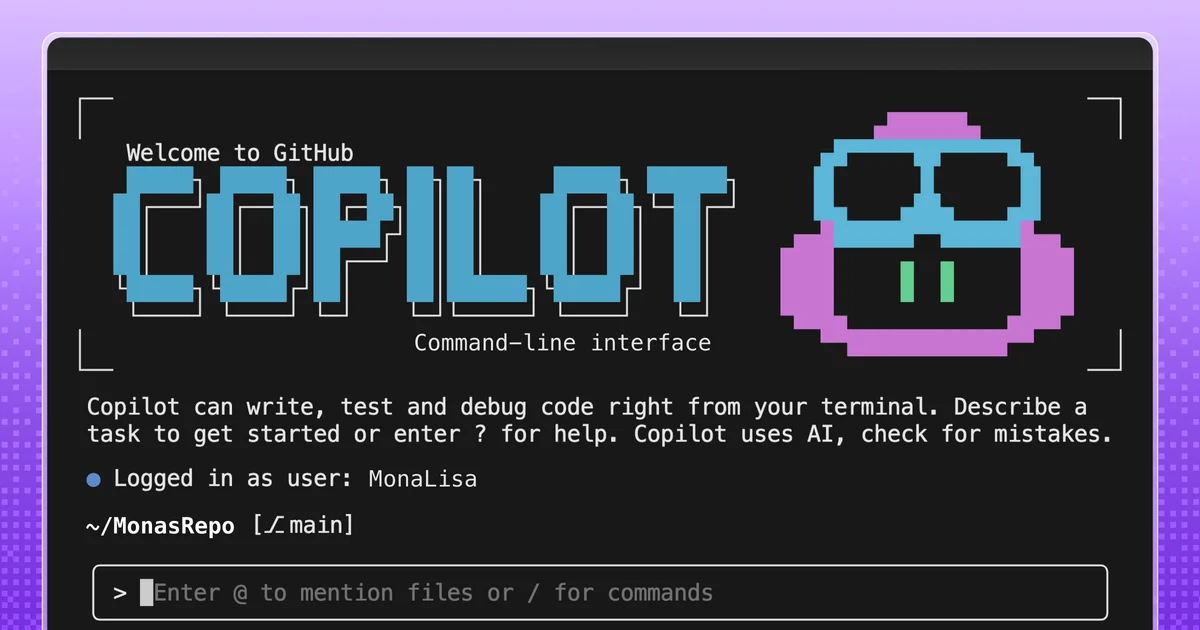
GitHub Copilot CLI Agents Get Context

GitHub Copilot CLI now supports custom agents, turning repetitive terminal tasks into standardized, context-aware workflows defined within your repository.

Diagram showing GitHub Copilot CLI interacting with custom agents and repositories.
Custom agents bring team context and workflows to GitHub Copilot CLI.· Github Blog
Visual TL;DR
Repetitive terminal tasksDriver
developers face friction with recurring command-line operations
From the article 2 mentionsThis move aims to reduce friction by turning repetitive, context-dependent terminal tasks into consistent, reviewable processes.
GitHub Copilot CLICore
AI coding assistant for developers
From the article 4 mentionsThe latest update to GitHub Copilot CLI introduces custom agents, enabling developers to embed team-specific knowledge and workflows directly into the command-line interface.
Custom Agents introducedEffect
new feature allows defining specialized CLI assistants
From the article 4 mentionsA custom agent is essentially a Copilot agent defined by a Markdown file within a repository.
Agent defined by MarkdownContext
repository file dictates agent's expertise and tools
From the articleA custom agent is essentially a Copilot agent defined by a Markdown file within a repository.
Context-aware workflowsEffect
agents apply team-specific knowledge and standards consistently
From the article 2 mentionsGitHub Copilot CLI's ability to run scripts, call APIs, and interact with repositories makes it a natural fit for agent-driven workflows.
Standardized processesOutcome
reduces friction and ensures consistent command-line execution
From the articleThis move aims to reduce friction by turning repetitive, context-dependent terminal tasks into consistent, reviewable processes.
Team knowledge embeddedContext
specialized assistants leverage repository-specific information


GitHub is evolving its AI coding assistant beyond simple prompts. The latest update to GitHub Copilot CLI introduces custom agents, enabling developers to embed team-specific knowledge and workflows directly into the command-line interface.

This move aims to reduce friction by turning repetitive, context-dependent terminal tasks into consistent, reviewable processes. Instead of re-explaining context or re-running similar commands, developers can leverage these specialized agents.

Custom Agents: Beyond One-Off Prompts

A custom agent is essentially a Copilot agent defined by a Markdown file within a repository. This file dictates the agent's behavior, including its expertise, the tools it can access, and the guardrails it must follow. This ensures consistency regardless of where the agent is invoked.

These agents can act as specialized assistants, applying team-specific formatting rules, tooling, and accessibility standards consistently. The agent profile lives in the repository, allowing for team review, versioning, and sharing.

For instance, a custom agent can be configured as a web accessibility expert, adhering to WCAG standards and translating them into practical guidance.

The agent profile file, ending in `.agent.md`, specifies the agent's role, capabilities, and rules.

Automating Workflows with Custom Agents

GitHub Copilot CLI's ability to run scripts, call APIs, and interact with repositories makes it a natural fit for agent-driven workflows. By encoding these execution-heavy tasks, teams can invoke them consistently from the terminal.

Common use cases include creating a security audit agent. This agent could run standard security checks, summarize findings by severity, and generate a pull request-ready checklist with owners and next steps. This capability streamlines security reviews, aligning with the growing focus on DevSecOps.

The potential extends to automating code cleanup based on team standards or generating documentation snippets tailored to project conventions. This feature builds upon earlier advancements in GitHub Copilot Agent Gets Smarter.

By integrating custom agents, GitHub Copilot CLI offers a more powerful and personalized command-line experience, moving closer to the vision of AI as a deeply integrated development partner, akin to discussions around Liam Hampton on VS Code AI Agents and the broader implications of the GitHub Copilot SDK: Execution is the New Interface.

© 2026 StartupHub.ai. All rights reserved. You may not republish this article in full without a license. Search engines and AI research tools may crawl and summarize for reference. Bulk reproduction or model training requires a license. See our terms.
Daniel Singer

Written by

Daniel Singer

Editor, StartupHub.ai

Daniel Singer is the editor of StartupHub.ai, a technology expert and thought leader on AI and its applications across sectors, from fintech and healthcare to developer tooling and consumer software. He writes and tests the tools covered here thoroughly and regularly, and built StartupHub.ai to give founders, operators and buyers a clearer read on what they are actually being sold.

More from Daniel Singer

