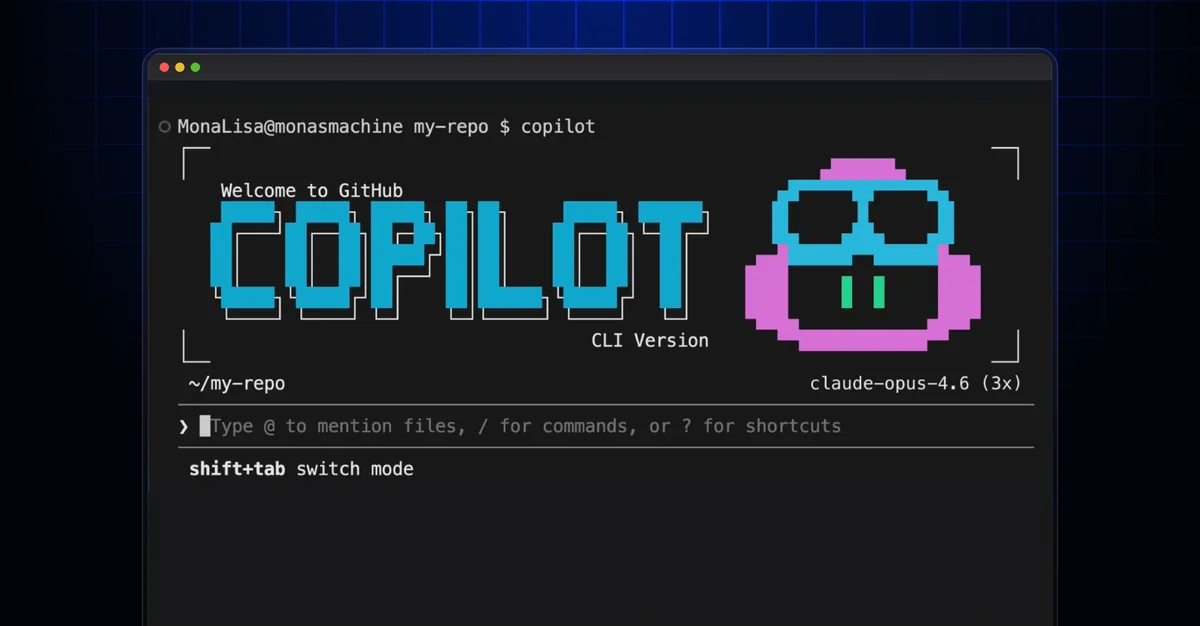
GitHub is bringing its AI coding assistant, Copilot, directly into the command-line interface. This new GitHub Copilot CLI aims to streamline developer workflows by allowing users to interact with AI without leaving their terminal.
The tool leverages the power of generative AI to perform tasks directly within your development environment. It offers agentic capabilities, meaning it can autonomously build code, run tests, and even self-correct errors.
Getting Started with Copilot CLI
Installation is straightforward, primarily via npm: npm install -g @github/copilot. Users can also leverage package managers like WinGet or Homebrew. Once installed, launching Copilot CLI is as simple as typing "Copilot" in your terminal.
The initial setup requires authentication with your GitHub account using the /login command. This links the client to your Copilot subscription and connects to GitHub services. Permissions for folder access must also be granted, with options to apply for the current session or save for future use.
Use Cases and Capabilities
Copilot CLI can provide project overviews by analyzing files and reporting key findings. It can generate code, such as new API endpoints, by referencing existing project patterns and documentation.
A notable feature is the ability to delegate tasks to the Copilot cloud agent. This allows for actions like creating new branches, opening draft pull requests, and implementing requested changes in the background, all initiated from the CLI.
This integration of AI into a fundamental developer tool signifies a shift towards more context-aware and automated coding assistance. The GitHub Copilot CLI promises to reduce context switching and enhance productivity.
Further exploration includes interactive and non-interactive modes, along with specialized slash commands. The tool also hints at deeper integrations, such as leveraging multiple AI models for a "second opinion," as detailed in discussions about GitHub Copilot CLI and its potential extensions like the GitHub Copilot SDK.