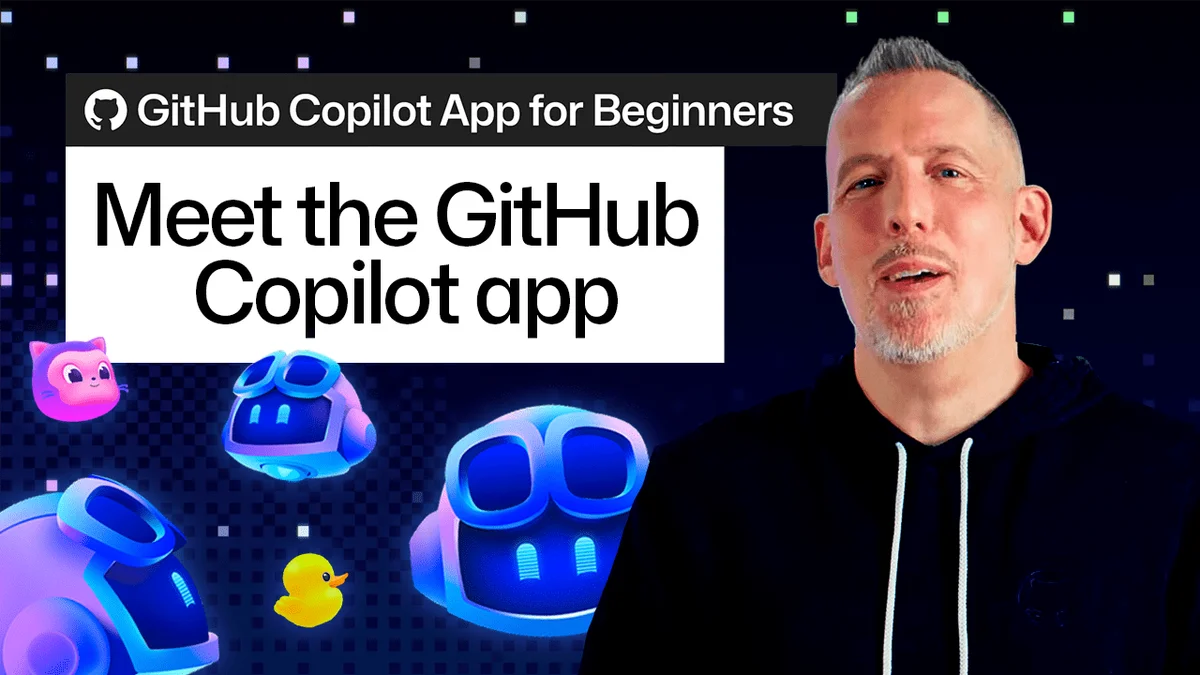
GitHub Copilot App for Newbies

GitHub's Copilot app offers a project-centric workspace for AI-assisted development, featuring multiple agent sessions, interactive canvases, and automated pull request management.

7 min read
Screenshot of the GitHub Copilot app interface showing project files and AI chat windows.
The GitHub Copilot app provides a workspace for AI-assisted software development.· Github Blog

Visual TL;DR. Traditional AI tools addresses GitHub Copilot App. GitHub Copilot App features Project-Centric Workflows. GitHub Copilot App enables Multiple AI Threads. GitHub Copilot App offers Interactive Canvases. GitHub Copilot App includes Automated PR Management. GitHub Copilot App provides Integrated AI Assistant. Integrated AI Assistant leads to Streamlined Development.

  1. Traditional AI tools: confine developers to a chat window, struggling to mirror dynamic software development
  2. GitHub Copilot App: provides a dedicated workspace designed for complex workflows and integrated AI assistance
  3. Project-Centric Workflows: AI sessions tethered to specific repositories, offering necessary context for tasks
  4. Multiple AI Threads: manage different agent sessions for various tasks within the same project context
  5. Interactive Canvases: visualize and interact with code changes and AI suggestions in a dynamic way
  6. Automated PR Management: streamlines code merges with Agent Merge, handling pull requests efficiently
  7. Integrated AI Assistant: AI acts as an integrated assistant within a project, not just a single conversation
  8. Streamlined Development: minimizes environment setup time and enhances efficiency for complex coding tasks
Visual TL;DR
Visual TL;DR, startuphub.ai Traditional AI tools addresses GitHub Copilot App. GitHub Copilot App provides Integrated AI Assistant. Integrated AI Assistant leads to Streamlined Development addresses provides leads to Traditional AI tools GitHub Copilot App Integrated AI Assistant Streamlined Development From startuphub.ai · The publishers behind this format
Visual TL;DR, startuphub.ai Traditional AI tools addresses GitHub Copilot App. GitHub Copilot App provides Integrated AI Assistant. Integrated AI Assistant leads to Streamlined Development addresses provides leads to Traditional AItools GitHub CopilotApp Integrated AIAssistant StreamlinedDevelopment From startuphub.ai · The publishers behind this format
Visual TL;DR, startuphub.ai Traditional AI tools addresses GitHub Copilot App. GitHub Copilot App provides Integrated AI Assistant. Integrated AI Assistant leads to Streamlined Development addresses provides leads to Traditional AI tools confine developers to a chat window,struggling to mirror dynamic softwaredevelopment GitHub Copilot App provides a dedicated workspace designedfor complex workflows and integrated AIassistance Integrated AI Assistant AI acts as an integrated assistant withina project, not just a single conversation Streamlined Development minimizes environment setup time andenhances efficiency for complex codingtasks From startuphub.ai · The publishers behind this format
Visual TL;DR, startuphub.ai Traditional AI tools addresses GitHub Copilot App. GitHub Copilot App provides Integrated AI Assistant. Integrated AI Assistant leads to Streamlined Development addresses provides leads to Traditional AItools confine developersto a chat window,struggling to… GitHub CopilotApp provides adedicated workspacedesigned for… Integrated AIAssistant AI acts as anintegratedassistant within a… StreamlinedDevelopment minimizesenvironment setuptime and enhances… From startuphub.ai · The publishers behind this format
Visual TL;DR, startuphub.ai Traditional AI tools addresses GitHub Copilot App. GitHub Copilot App features Project-Centric Workflows. GitHub Copilot App enables Multiple AI Threads. GitHub Copilot App offers Interactive Canvases. GitHub Copilot App includes Automated PR Management. GitHub Copilot App provides Integrated AI Assistant. Integrated AI Assistant leads to Streamlined Development addresses features enables offers includes provides leads to Traditional AI tools confine developers to a chat window,struggling to mirror dynamic softwaredevelopment GitHub Copilot App provides a dedicated workspace designedfor complex workflows and integrated AIassistance Project-Centric Workflows AI sessions tethered to specificrepositories, offering necessary contextfor tasks Multiple AI Threads manage different agent sessions forvarious tasks within the same projectcontext Interactive Canvases visualize and interact with code changesand AI suggestions in a dynamic way Automated PR Management streamlines code merges with Agent Merge,handling pull requests efficiently Integrated AI Assistant AI acts as an integrated assistant withina project, not just a single conversation Streamlined Development minimizes environment setup time andenhances efficiency for complex codingtasks From startuphub.ai · The publishers behind this format
Visual TL;DR, startuphub.ai Traditional AI tools addresses GitHub Copilot App. GitHub Copilot App features Project-Centric Workflows. GitHub Copilot App enables Multiple AI Threads. GitHub Copilot App offers Interactive Canvases. GitHub Copilot App includes Automated PR Management. GitHub Copilot App provides Integrated AI Assistant. Integrated AI Assistant leads to Streamlined Development addresses features enables offers includes provides leads to Traditional AItools confine developersto a chat window,struggling to… GitHub CopilotApp provides adedicated workspacedesigned for… Project-CentricWorkflows AI sessionstethered tospecific… Multiple AIThreads manage differentagent sessions forvarious tasks… InteractiveCanvases visualize andinteract with codechanges and AI… Automated PRManagement streamlines codemerges with AgentMerge, handling… Integrated AIAssistant AI acts as anintegratedassistant within a… StreamlinedDevelopment minimizesenvironment setuptime and enhances… From startuphub.ai · The publishers behind this format

Traditional AI coding tools often confine developers to a chat window, a setup that struggles to mirror the dynamic nature of software development. GitHub's latest Copilot app aims to change that by providing a dedicated workspace designed for complex workflows.

The application treats AI not as a single conversation, but as an integrated assistant within a project. This means each AI session is tethered to a specific repository, offering the necessary context for tasks ranging from bug fixes to code reviews.

Project-Centric Workflows

Users begin by selecting an existing project or adding a new one from GitHub or a local machine. Once a project is chosen, developers can initiate an AI session, equipped with the codebase and tools needed for a task. For instance, adding a UI component can be described to the AI, which can then identify relevant files, implement changes, and even run tests for validation. This approach minimizes environment setup time.

Managing Multiple AI Threads

The Copilot app allows for simultaneous, independent AI sessions. 'Quick Chat' enables users to start new conversations for different ideas or questions without interrupting ongoing work. Developers can query the AI about Copilot's own features or explore codebase intricacies while another agent session tackles a project update. Returning to a previous session seamlessly resumes the task.

Interactive Development with Canvases

Visual feedback is crucial for UI development. The Copilot app integrates a browser 'canvas' directly into the workflow, offering a live preview of applications. This interactive space, built around work artifacts like plans or running applications, moves beyond text-based interactions. Developers can use commands like /create-canvas to open their application in a preview window. With 'Canvas Dev Mode' and 'Pick & Polish', specific UI elements can be selected directly from the canvas to inform subsequent AI requests for refinement.

Streamlining Code Merges with Agent Merge

Once code changes are ready, the Agent Merge feature extends the development pipeline. It monitors pull requests, automating responses to review feedback, CI failures, or merge conflicts. This allows developers to initiate an Agent Merge workflow from the Copilot app, select desired actions, and let the AI manage the process through to completion and merging, provided all checks pass.

The GitHub Copilot app consolidates development tasks into a single interface, allowing for project-based AI sessions, visualized work via canvases, and automated pull request management.

© 2026 StartupHub.ai. All rights reserved. Do not enter, scrape, copy, reproduce, or republish this article in whole or in part. Use as input to AI training, fine-tuning, retrieval-augmented generation, or any machine-learning system is prohibited without written license. Substantially-similar derivative works will be pursued to the fullest extent of applicable copyright, database, and computer-misuse laws. See our terms.

