

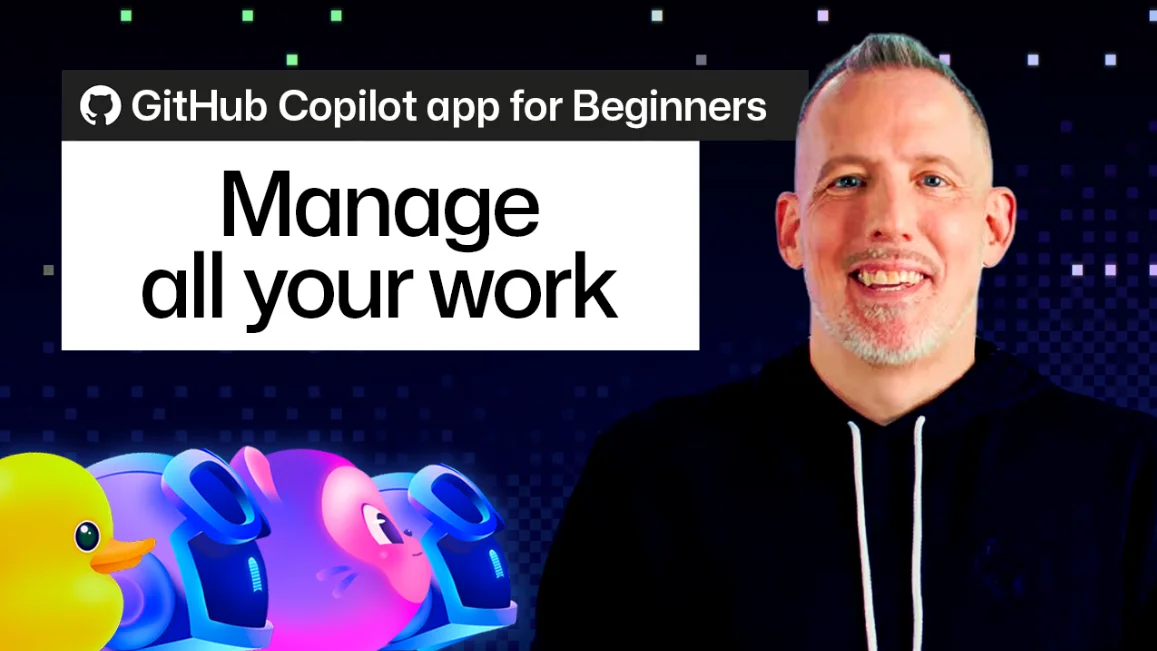
GitHub Copilot's 'My Work' Pane

GitHub Copilot's 'My Work' pane helps developers manage tasks, offering custom views and direct session initiation from issues and PRs.

7 min read
Screenshot of the GitHub Copilot app showing the 'My Work' pane with organized tasks.
Github Blog

Visual TL;DR. Complex Dev Workflows addressed by Copilot 'My Work' Pane. Increased Task Volume relevant for Copilot 'My Work' Pane. Copilot 'My Work' Pane enables Organize Dev Tasks. Organize Dev Tasks includes Customizable Views. Organize Dev Tasks improves Enhanced Workflow. Organize Dev Tasks creates Centralized Hub.

  1. Complex Dev Workflows: juggling multiple coding tasks, bug fixes, and pull request reviews daily
  2. Copilot 'My Work' Pane: new feature in Copilot app for managing developer tasks and progress
  3. Organize Dev Tasks: offers pre-built views like 'All', 'Active', 'Review requests', and 'Done'
  4. Customizable Views: developers can create personalized views with filters for specific needs
  5. Enhanced Workflow: direct session initiation from issues and PRs within the pane
  6. Centralized Hub: provides a single location for tracking progress across projects
  7. Increased Task Volume: AI assistants integrating into daily cycles potentially increase tasks
Visual TL;DR
Visual TL;DR, startuphub.ai Complex Dev Workflows addressed by Copilot 'My Work' Pane. Copilot 'My Work' Pane enables Organize Dev Tasks. Organize Dev Tasks creates Centralized Hub addressed by enables creates Complex Dev Workflows Copilot 'My Work' Pane Organize Dev Tasks Centralized Hub From startuphub.ai · The publishers behind this format
Visual TL;DR, startuphub.ai Complex Dev Workflows addressed by Copilot 'My Work' Pane. Copilot 'My Work' Pane enables Organize Dev Tasks. Organize Dev Tasks creates Centralized Hub addressed by enables creates Complex DevWorkflows Copilot 'My Work'Pane Organize DevTasks Centralized Hub From startuphub.ai · The publishers behind this format
Visual TL;DR, startuphub.ai Complex Dev Workflows addressed by Copilot 'My Work' Pane. Copilot 'My Work' Pane enables Organize Dev Tasks. Organize Dev Tasks creates Centralized Hub addressed by enables creates Complex Dev Workflows juggling multiple coding tasks, bug fixes,and pull request reviews daily Copilot 'My Work' Pane new feature in Copilot app for managingdeveloper tasks and progress Organize Dev Tasks offers pre-built views like 'All','Active', 'Review requests', and 'Done' Centralized Hub provides a single location for trackingprogress across projects From startuphub.ai · The publishers behind this format
Visual TL;DR, startuphub.ai Complex Dev Workflows addressed by Copilot 'My Work' Pane. Copilot 'My Work' Pane enables Organize Dev Tasks. Organize Dev Tasks creates Centralized Hub addressed by enables creates Complex DevWorkflows juggling multiplecoding tasks, bugfixes, and pull… Copilot 'My Work'Pane new feature inCopilot app formanaging developer… Organize DevTasks offers pre-builtviews like 'All','Active', 'Review… Centralized Hub provides a singlelocation fortracking progress… From startuphub.ai · The publishers behind this format
Visual TL;DR, startuphub.ai Complex Dev Workflows addressed by Copilot 'My Work' Pane. Increased Task Volume relevant for Copilot 'My Work' Pane. Copilot 'My Work' Pane enables Organize Dev Tasks. Organize Dev Tasks includes Customizable Views. Organize Dev Tasks improves Enhanced Workflow. Organize Dev Tasks creates Centralized Hub addressed by relevant for enables includes improves creates Complex Dev Workflows juggling multiple coding tasks, bug fixes,and pull request reviews daily Copilot 'My Work' Pane new feature in Copilot app for managingdeveloper tasks and progress Organize Dev Tasks offers pre-built views like 'All','Active', 'Review requests', and 'Done' Customizable Views developers can create personalized viewswith filters for specific needs Enhanced Workflow direct session initiation from issues andPRs within the pane Centralized Hub provides a single location for trackingprogress across projects Increased Task Volume AI assistants integrating into dailycycles potentially increase tasks From startuphub.ai · The publishers behind this format
Visual TL;DR, startuphub.ai Complex Dev Workflows addressed by Copilot 'My Work' Pane. Increased Task Volume relevant for Copilot 'My Work' Pane. Copilot 'My Work' Pane enables Organize Dev Tasks. Organize Dev Tasks includes Customizable Views. Organize Dev Tasks improves Enhanced Workflow. Organize Dev Tasks creates Centralized Hub addressed by relevant for enables includes improves creates Complex DevWorkflows juggling multiplecoding tasks, bugfixes, and pull… Copilot 'My Work'Pane new feature inCopilot app formanaging developer… Organize DevTasks offers pre-builtviews like 'All','Active', 'Review… CustomizableViews developers cancreate personalizedviews with filters… Enhanced Workflow direct sessioninitiation fromissues and PRs… Centralized Hub provides a singlelocation fortracking progress… Increased TaskVolume AI assistantsintegrating intodaily cycles… From startuphub.ai · The publishers behind this format

The GitHub Copilot app is evolving beyond just code generation, introducing features aimed at managing the complex workflows of developers. A new addition, the "My Work" pane, aims to bring order to the often-chaotic process of juggling multiple coding tasks, bug fixes, and pull request reviews. This is particularly relevant as AI assistants become more integrated into daily development cycles, potentially increasing the volume of tasks developers manage. The new pane, detailed in a recent GitHub Blog post, provides a centralized hub for tracking progress.

Organizing Development Tasks

The "My Work" pane offers several pre-built views. The "All" tab aggregates pull requests and issues from projects touched within the Copilot app, automatically filtered to relevant repositories. Beyond this, developers can access "Active" (showing open PRs and issues), "Review requests" (where their review is needed), and "Done" (closed items). This structure allows for a quick assessment of what requires immediate attention versus what has been completed.

Customizable Views and Filters

Recognizing that standard views might not fit every workflow, GitHub Copilot allows users to create their own. By selecting "New view," developers can name their custom filter, such as "My Issues," and then define specific criteria. This can be done using GitHub-style syntax or a more user-friendly interface. For instance, a filter could be set to show only issues assigned to the current user. Sorting options also allow for customization, such as ordering by oldest items first. These custom views can be saved, updated, or discarded.

Enhanced Workflow Integration

A key feature highlighted is the ability to initiate agent sessions directly from issues and pull requests. By selecting an item and instructing Copilot to "get to work," the AI uses that item as context for a new session. This significantly reduces the friction of setting up tasks. Multiple items can also be selected to create new sessions, useful for bundling related bug reports or creating separate sessions for distinct feature requests. The flexibility extends to changing the repository context for a session, accommodating workflows where issues and code reside in different locations.

Creating and Scoping Work

The pane also includes a "New issue" button, enabling developers to create issues on the fly and immediately start a Copilot session focused on them. The repository filter, defaulting to "All Repositories" (scoped to active Copilot projects), can also be adjusted to change the scope of Copilot's awareness. This functionality is crucial for managing projects that span multiple repositories or for quickly documenting new tasks.

As AI coding assistants continue to mature, tools like GitHub Copilot's "My Work" pane are becoming essential for managing the increased complexity and volume of developer tasks. The ability to organize, filter, and act on work items directly within the AI interface promises to enhance productivity, moving beyond simple code suggestions to a more integrated project management experience.

© 2026 StartupHub.ai. All rights reserved. Do not enter, scrape, copy, reproduce, or republish this article in whole or in part. Use as input to AI training, fine-tuning, retrieval-augmented generation, or any machine-learning system is prohibited without written license. Substantially-similar derivative works will be pursued to the fullest extent of applicable copyright, database, and computer-misuse laws. See our terms.