ChatGPT Desktop App Automates Workflows with Scheduled Tasks

OpenAI's ChatGPT desktop app now features scheduled tasks and Workspace Agents to automate workflows, manage daily briefs, and triage feedback.

7 min read
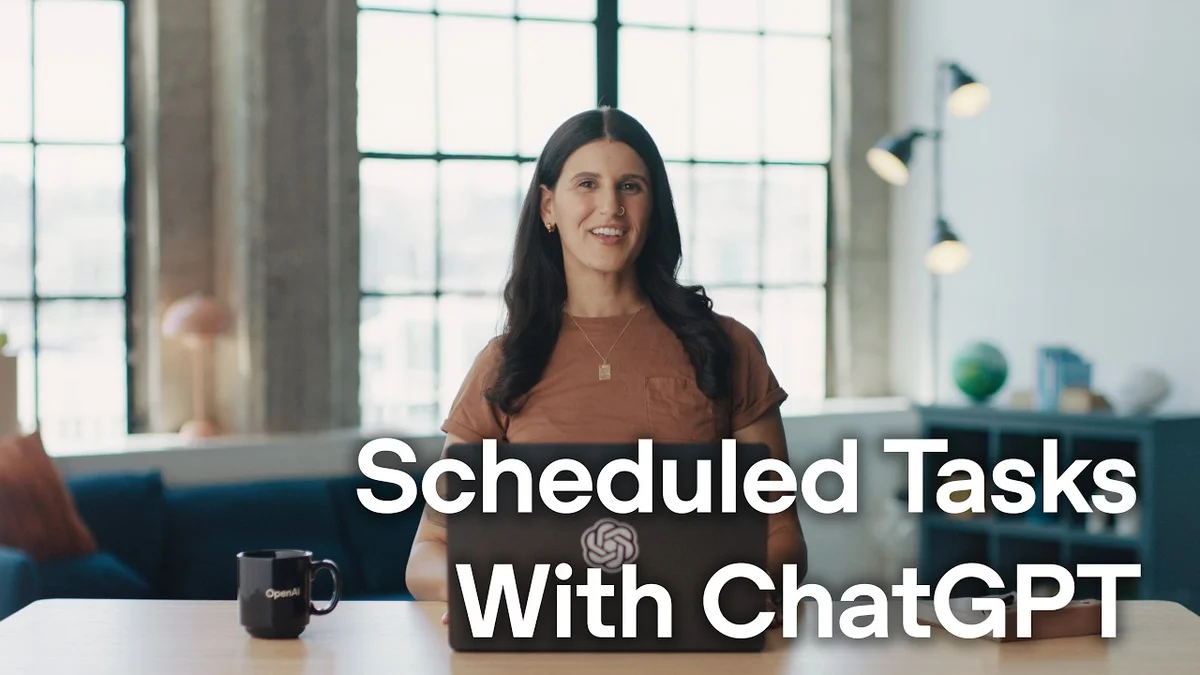
Woman smiling, sitting at a desk with a laptop displaying ChatGPT interface.
OpenAI Youtube

Visual TL;DR. ChatGPT Desktop App adds Scheduled Tasks. Scheduled Tasks enables Automate Daily Brief. Scheduled Tasks enables Streamline Feedback Triage. ChatGPT Desktop App introduces Workspace Agents. Automate Daily Brief becomes Personal Chief of Staff. Streamline Feedback Triage contributes to Personal Chief of Staff. Automate Daily Brief allows Review Priorities. Personal Chief of Staff helps Review Priorities.

  1. ChatGPT Desktop App: OpenAI's desktop app now features new capabilities for workflow automation
  2. Scheduled Tasks: automate repetitive workflows and prioritize workload with routine tasks
  3. Automate Daily Brief: consolidate urgent tasks, deadlines, meetings from integrated services
  4. Streamline Feedback Triage: efficiently manage and categorize incoming feedback from various sources
  5. Workspace Agents: new feature for team collaboration and managing shared information
  6. Personal Chief of Staff: effectively turns ChatGPT into an AI assistant for daily operations
  7. Review Priorities: receive a daily briefing to review tasks and deadlines over coffee
Visual TL;DR
Visual TL;DR, startuphub.ai ChatGPT Desktop App adds Scheduled Tasks. Scheduled Tasks enables Automate Daily Brief. Automate Daily Brief becomes Personal Chief of Staff adds enables becomes ChatGPT Desktop App Scheduled Tasks Automate Daily Brief Personal Chief of Staff From startuphub.ai · The publishers behind this format
Visual TL;DR, startuphub.ai ChatGPT Desktop App adds Scheduled Tasks. Scheduled Tasks enables Automate Daily Brief. Automate Daily Brief becomes Personal Chief of Staff adds enables becomes ChatGPT DesktopApp Scheduled Tasks Automate DailyBrief Personal Chief ofStaff From startuphub.ai · The publishers behind this format
Visual TL;DR, startuphub.ai ChatGPT Desktop App adds Scheduled Tasks. Scheduled Tasks enables Automate Daily Brief. Automate Daily Brief becomes Personal Chief of Staff adds enables becomes ChatGPT Desktop App OpenAI's desktop app now features newcapabilities for workflow automation Scheduled Tasks automate repetitive workflows andprioritize workload with routine tasks Automate Daily Brief consolidate urgent tasks, deadlines,meetings from integrated services Personal Chief of Staff effectively turns ChatGPT into an AIassistant for daily operations From startuphub.ai · The publishers behind this format
Visual TL;DR, startuphub.ai ChatGPT Desktop App adds Scheduled Tasks. Scheduled Tasks enables Automate Daily Brief. Automate Daily Brief becomes Personal Chief of Staff adds enables becomes ChatGPT DesktopApp OpenAI's desktopapp now featuresnew capabilities… Scheduled Tasks automate repetitiveworkflows andprioritize workload… Automate DailyBrief consolidate urgenttasks, deadlines,meetings from… Personal Chief ofStaff effectively turnsChatGPT into an AIassistant for daily… From startuphub.ai · The publishers behind this format
Visual TL;DR, startuphub.ai ChatGPT Desktop App adds Scheduled Tasks. Scheduled Tasks enables Automate Daily Brief. Scheduled Tasks enables Streamline Feedback Triage. ChatGPT Desktop App introduces Workspace Agents. Automate Daily Brief becomes Personal Chief of Staff. Streamline Feedback Triage contributes to Personal Chief of Staff. Automate Daily Brief allows Review Priorities. Personal Chief of Staff helps Review Priorities adds enables enables introduces becomes contributes to allows helps ChatGPT Desktop App OpenAI's desktop app now features newcapabilities for workflow automation Scheduled Tasks automate repetitive workflows andprioritize workload with routine tasks Automate Daily Brief consolidate urgent tasks, deadlines,meetings from integrated services Streamline Feedback Triage efficiently manage and categorize incomingfeedback from various sources Workspace Agents new feature for team collaboration andmanaging shared information Personal Chief of Staff effectively turns ChatGPT into an AIassistant for daily operations Review Priorities receive a daily briefing to review tasksand deadlines over coffee From startuphub.ai · The publishers behind this format
Visual TL;DR, startuphub.ai ChatGPT Desktop App adds Scheduled Tasks. Scheduled Tasks enables Automate Daily Brief. Scheduled Tasks enables Streamline Feedback Triage. ChatGPT Desktop App introduces Workspace Agents. Automate Daily Brief becomes Personal Chief of Staff. Streamline Feedback Triage contributes to Personal Chief of Staff. Automate Daily Brief allows Review Priorities. Personal Chief of Staff helps Review Priorities adds enables enables introduces becomes contributes to allows helps ChatGPT DesktopApp OpenAI's desktopapp now featuresnew capabilities… Scheduled Tasks automate repetitiveworkflows andprioritize workload… Automate DailyBrief consolidate urgenttasks, deadlines,meetings from… StreamlineFeedback Triage efficiently manageand categorizeincoming feedback… Workspace Agents new feature forteam collaborationand managing shared… Personal Chief ofStaff effectively turnsChatGPT into an AIassistant for daily… Review Priorities receive a dailybriefing to reviewtasks and deadlines… From startuphub.ai · The publishers behind this format

OpenAI is expanding the capabilities of its ChatGPT desktop application, introducing scheduled tasks that can automate repetitive workflows. Danielle Zaghian, Technical & AI Enablement at OpenAI, demonstrates how users can now prioritize their workload and schedule routine tasks, effectively turning ChatGPT into a personal chief of staff.

Automating Your Daily Brief

The new feature allows users to create custom chats that can pull information from various integrated services like Slack, email, and calendar. Zaghian showcases a setup called 'Chief of Staff' which consolidates urgent tasks, deadlines, meetings, and other contextual information into a daily briefing. This brief is delivered every weekday morning, allowing users to review their priorities over coffee.


The full discussion can be found on OpenAI Youtube's YouTube channel.

Schedule tasks with ChatGPT - OpenAI Youtube
Schedule tasks with ChatGPT, from OpenAI Youtube

For instance, Zaghian sets up a scheduled task to receive a daily brief. This involves connecting ChatGPT to her Slack, email, and Google Calendar. The AI then compiles a summary of urgent tasks, upcoming meetings, and deadlines, presenting it as a concise daily digest. If a user needs to know their next immediate action, they can simply ask ChatGPT.

Streamlining Feedback Triage

Beyond personal task management, the application can also automate more complex team-oriented processes. Zaghian highlights how she uses ChatGPT to manage technical onboarding feedback at OpenAI. This feedback typically comes from various sources, including Slack, Notion, and Google Drive.

To handle this, a separate scheduled task is created in a chat named 'Feedback Triage'. This task runs weekly, collating feedback, summarizing it into a Google Doc, and drafting a post for the team's Slack channel. This automation frees up valuable time by processing and organizing incoming feedback without manual intervention.

Workspace Agents for Team Collaboration

The capabilities extend further with the introduction of Workspace Agents. Zaghian explains that a local workflow, such as the feedback triage process, can be transformed into a Workspace Agent that runs in the cloud. This allows the entire team to access and utilize the automated workflow directly through ChatGPT or Slack.

Converting a scheduled task into a Workspace Agent is presented as a simple process, initiated by asking ChatGPT. Once deployed in the cloud, the agent is accessible to the team, ensuring consistent application of the automated process. This feature enables repeatable tasks to be turned into agents that operate continuously, 24/7, for the benefit of the team.

© 2026 StartupHub.ai. All rights reserved. Do not enter, scrape, copy, reproduce, or republish this article in whole or in part. Use as input to AI training, fine-tuning, retrieval-augmented generation, or any machine-learning system is prohibited without written license. Substantially-similar derivative works will be pursued to the fullest extent of applicable copyright, database, and computer-misuse laws. See our terms.

