GPT-6 Astra API Brings Computer Use to Developers

GPT-6 Astra adds computer use with background control plus async tools and steering, now available in ChatGPT, Codex and the API.

S
StartupHub.ai Staff
3 min read
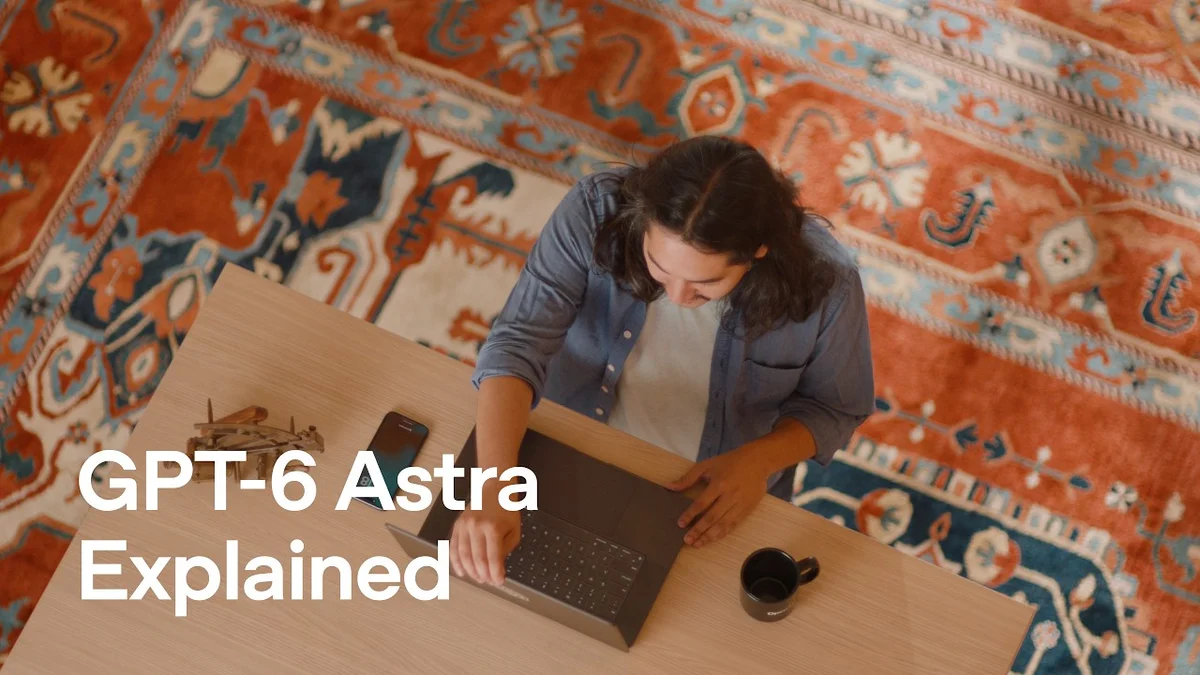
OpenAI GPT-6 Astra demo showing computer use controlling Krita to paint an image
GPT-6 Astra controlling Krita via screenshots while running in the background· OpenAI Youtube
Contents(3)

GPT-6 Astra API is OpenAI's newest frontier model, shown off with the ability to control a desktop directly.

StartupHub data

Companies working on this

Profiles of the companies named in this story, with funding and a one-liner from our database.

OpenAI
An artificial intelligence research organization developing and promoting friendly AI for the benefit of humanity.

According to OpenAI's YouTube channel, the upgrade arrives in ChatGPT, Codex and the API. Users only need a prompt or an authenticated API call, no remote exploitation required.

The full discussion can be found on OpenAI Youtube's YouTube channel.
Introducing GPT-6 Astra for developers - OpenAI Youtube
Introducing GPT-6 Astra for developers, from OpenAI Youtube

That distinction matters for security.

How computer control actually works

In the demo, Astra paints in Krita from a photo prompt, adding the Golden Gate Bridge in Van Gogh style while watching screenshots.

It keeps the app running in the background so the user can keep working.

Think of it like a remote intern with screen sharing and mouse access, but with no lock on the filing cabinet.

OpenAI says Astra tracks the original instruction across app controls and applies the same ability to everyday developer workflows, from filling forms for API keys to QA on a mobile app.

Two new Responses API primitives extend that autonomy.

Asynchronous tool calling lets the model continue work while a tool runs and absorb the result when it returns.

Steering lets you inject new context mid-response without canceling the running tool, as shown in the Codex-style live redirect.

Why this matters and what is not fixed

For builders, accuracy and efficiency gains in computer use lower friction for agent automation.

They also widen the surface where a misinterpreted instruction or injected prompt can drive clicks, form fills and file edits.

OpenAI did not detail permissions, sandboxing or audit logging for background control in this video.

There is no mention of mitigations for prompt injection in the browser, tool output handling or limits on unattended actions.

Teams should treat Astra-driven desktop sessions as privileged.

Scope it to isolated VMs, require explicit approval for writes, and log every screenshot-driven action and async tool result.

The steering change also creates timing risk.

A mid-flight instruction can now alter a plan while a prior tool is still executing, so validate new context against the original task before the model merges it.

OpenAI positions Astra as stronger on creativity and long-running tasks, with more detailed 3D models and more natural back and forth.

That helps for knowledge work, but it does not answer how reliably it refuses destructive or out-of-scope computer actions.

Astra is now available in ChatGPT, Codex and the API for testing on complex tasks.

© 2026 StartupHub.ai. All rights reserved. You may not republish this article in full without a license. Search engines and AI research tools may crawl and summarize for reference. Bulk reproduction or model training requires a license. See our terms.
S

Written by

StartupHub.ai Staff

Editorial team

The staff writers of StartupHub.ai, ranging from investment analysts to avid AI tool users, early adopters and critical enthusiasts. Backgrounds span engineering, business and the arts. We hold every piece to rigorous standards of research and review.