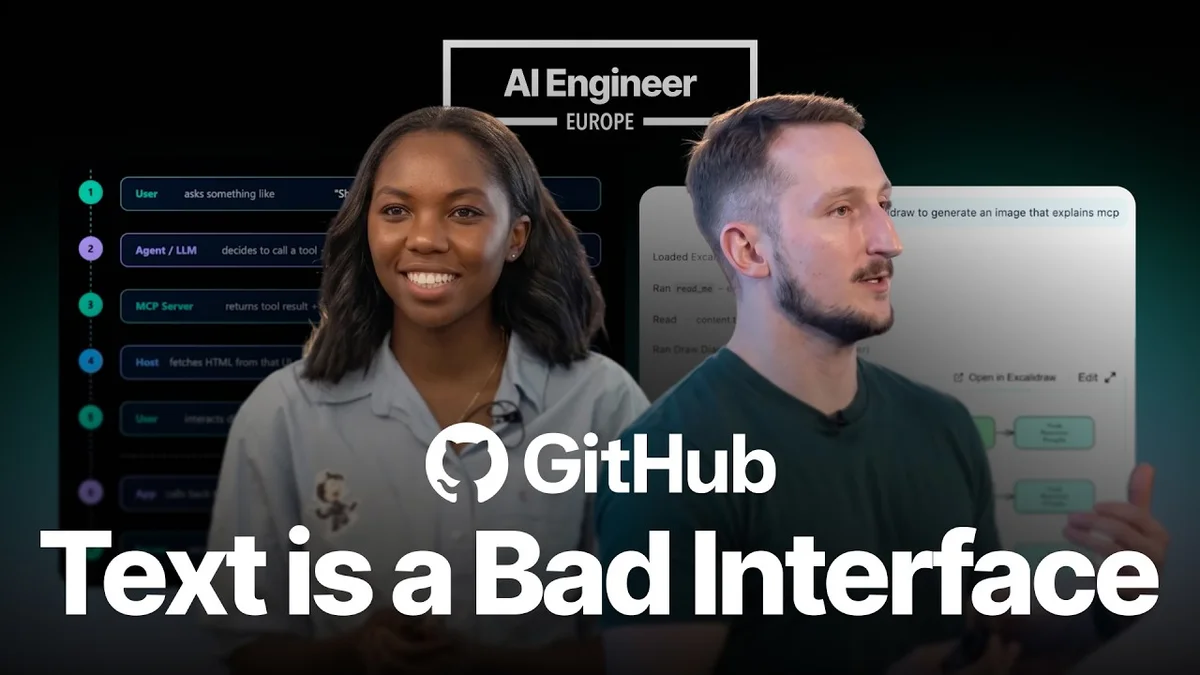
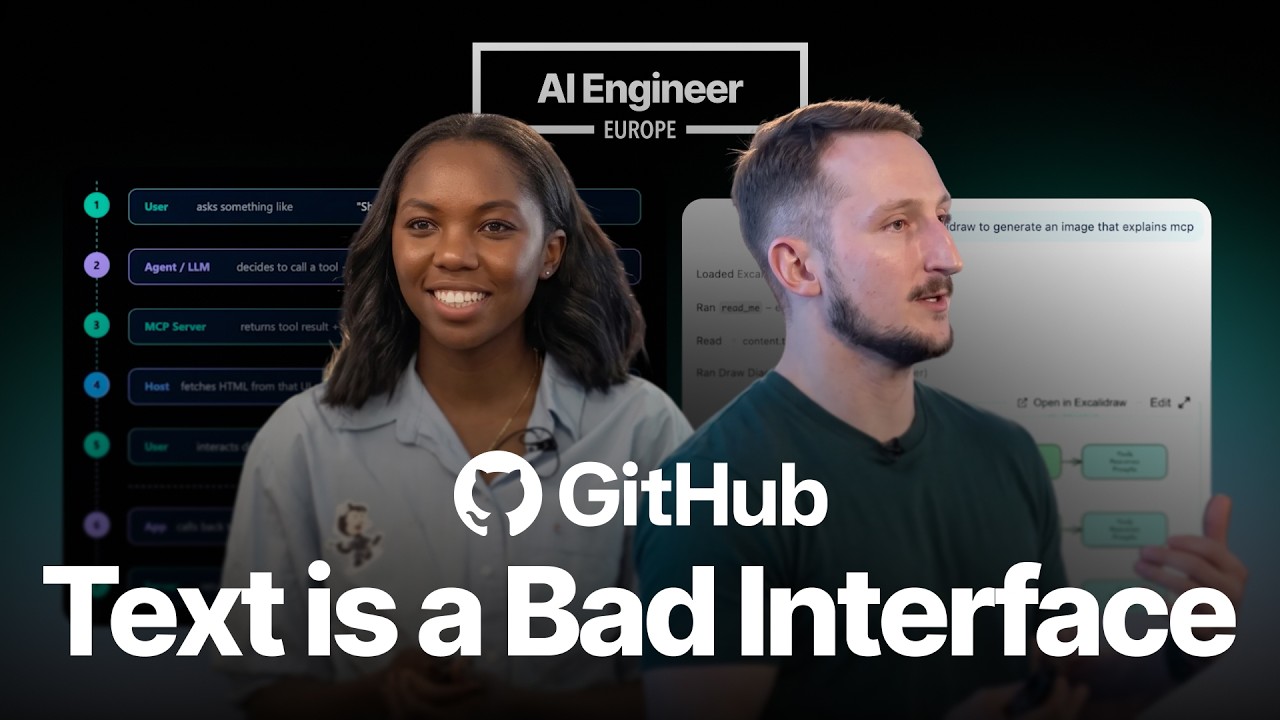
Build Interactive VS Code UIs with MCP Apps

GitHub's Marlene Mhangami and Liam Hampton explore building interactive UIs in VS Code with MCP Apps, showcasing their potential for dynamic developer experiences.

build interactive vs  comparison
AI Engineer
Visual TL;DR
GitHub PresentationCore
Marlene Mhangami and Liam Hampton's deep dive
From the article 4 mentionsThe presentation showcased several compelling use cases for MCP Apps, illustrating their versatility.
Developer ExperienceDriver
From the article 4 mentionsThis session illuminated how developers can create dynamic and engaging user experiences directly within the chat interface, a significant advancement for AI-powered tools and developer workflows.
MCP ProtocolCore
From the article 9+ mentionsThe core concept behind MCP, or Model Context Protocol, is to standardize how applications provide context to Large Language Models (LLMs).
MCP AppsCore
server tools return rich, interactive components
From the article 9+ mentionsMarlene Mhangami and Liam Hampton from GitHub recently presented a deep dive into building interactive UIs within Visual Studio Code using MCP Apps.
VS Code ChatContext
From the article 9+ mentionsMCP Apps, specifically, are designed to enable server tools to return rich, interactive components that can be rendered directly within the chat interface.
Dynamic UIsEffect
From the article 4 mentionsThis means instead of just receiving plain text responses, users can interact with dynamic elements like charts, forms, or custom UIs generated by the AI.
AI-Powered ToolsOutcome
From the article 9+ mentionsThis session illuminated how developers can create dynamic and engaging user experiences directly within the chat interface, a significant advancement for AI-powered tools and developer workflows.
Contents(4)

Marlene Mhangami and Liam Hampton from GitHub recently presented a deep dive into building interactive UIs within Visual Studio Code using MCP Apps. This session illuminated how developers can create dynamic and engaging user experiences directly within the chat interface, a significant advancement for AI-powered tools and developer workflows.


Build Interactive VS Code UIs with MCP Apps - AI Engineer
Build Interactive VS Code UIs with MCP Apps, AI Engineer

Understanding MCP and MCP Apps

The core concept behind MCP, or Model Context Protocol, is to standardize how applications provide context to Large Language Models (LLMs). MCP serves as an open protocol that allows applications to communicate with LLMs in a structured manner. MCP Apps, specifically, are designed to enable server tools to return rich, interactive components that can be rendered directly within the chat interface. This means instead of just receiving plain text responses, users can interact with dynamic elements like charts, forms, or custom UIs generated by the AI.

The presenters explained that MCP has three main parts: the Tool, the Resource, and the Link. The Tool is what the LLM calls, the Resource serves the bundled HTML and displays the data, and the Link connects the tool and the resource. This process allows for a fluid interaction where the AI can not only process information but also present it in a visually interactive and actionable way.

Key Components and Workflow

The MCP architecture involves several key players: Hosts, Clients, and Servers. Hosts, such as VS Code, act as the environment where the UI is rendered. Clients are the applications that interact with the LLM, and Servers provide the actual tools and data. In the context of VS Code, the host is the IDE itself, and the client is often the GitHub Copilot or a similar AI assistant. The server is where the logic for the MCP App resides.

The session highlighted the importance of the distinction between Hosts and Clients. While they can sometimes be the same, they often operate independently. For instance, VS Code acts as the host, rendering the UI, while the AI model or a separate client application communicates with the MCP server to fetch data and logic. This separation allows for flexibility and modularity in building AI-powered applications.

The workflow demonstrated shows a user interacting with the AI by making a request. The agent or LLM then decides which tool to call. The MCP server receives the tool result, often in JSON format, and serves a resource reference to the host. The host, in this case VS Code, fetches the HTML from the resource and renders it within a sandboxed iframe. The user can then interact directly with this UI component, and any updates or actions are communicated back to the server via the host, creating a seamless and interactive experience.

Use Cases and Examples

The presentation showcased several compelling use cases for MCP Apps, illustrating their versatility. In Data Exploration, MCP Apps can render interactive dashboards with filters and drill-down capabilities, allowing users to explore data sets directly within the chat. For Configuration Wizards, MCP Apps can present forms with dependent fields, enabling users to configure settings, such as security options, by interacting with UI elements rather than typing complex commands.

The E-commerce use case is particularly powerful, allowing users to browse, filter, compare, and add items to a cart, all within the chat interface, powered by live inventory data from an MCP server. This transforms the chat into a functional shopping assistant.

The presenters also touched upon the development process, showing examples from Shopify, Excalidraw, and Figma, highlighting how these platforms are integrating MCP Apps to enhance their user experiences. They also provided insights into the core concepts of MCP, emphasizing the role of tools, resources, and links in creating these interactive components.

Building MCP Apps in VS Code

The latter part of the session focused on the practical aspects of building MCP Apps within VS Code. Liam Hampton provided a live demonstration, showcasing how to set up a new MCP server, register tools and resources, and configure the build system. He highlighted the use of the GitHub CLI and provided reference code, demonstrating the ease with which developers can start building their own MCP applications.

The demo included examples of creating a basic server in Go and a React app using hooks. This practical walkthrough illustrated how the Model Context Protocol facilitates the creation of rich, interactive UIs by enabling the LLM to call tools, receive structured data, and have that data rendered into interactive components within the host environment, all managed through a clear and efficient workflow.

© 2026 StartupHub.ai. All rights reserved. You may not republish this article in full without a license. Search engines and AI research tools may crawl and summarize for reference. Bulk reproduction or model training requires a license. See our terms.
Daniel Singer

Written by

Daniel Singer

Editor, StartupHub.ai

Daniel Singer is the editor of StartupHub.ai, a technology expert and thought leader on AI and its applications across sectors, from fintech and healthcare to developer tooling and consumer software. He writes and tests the tools covered here thoroughly and regularly, and built StartupHub.ai to give founders, operators and buyers a clearer read on what they are actually being sold.