OpenAI's Codex Introduces Appshots for Seamless AI Integration

OpenAI's Codex introduces Appshots, a new feature enabling users to share screen content directly with the AI for tasks like scheduling and image editing.

4 min read
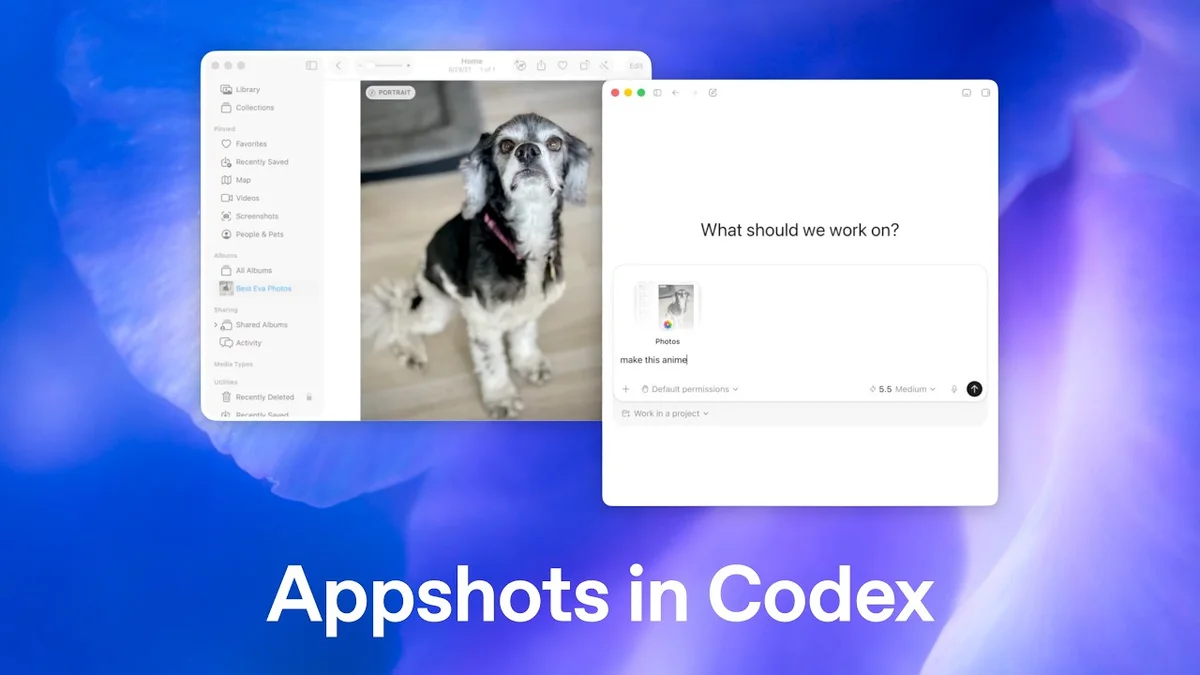
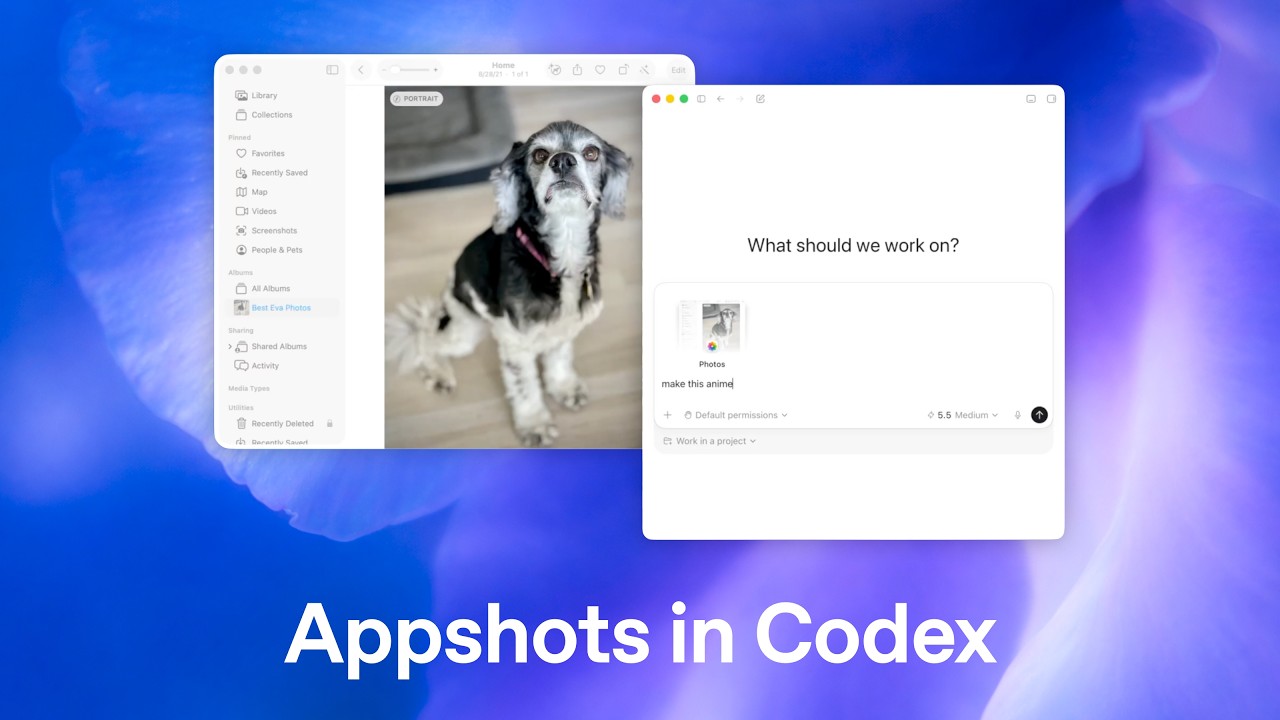
Screenshot showing the 'Appshots in Codex' title on a blurred blue background.
OpenAI Youtube
Visual TL;DR
AI Integration ChallengeDriver
AI tools often lack context from user's current screen
From the articleThis integration suggests a future where AI assistants can more seamlessly assist with tasks that involve visual elements, making them more intuitive and efficient tools for both professionals and everyday users.
OpenAI CodexCore
AI model from OpenAI for various tasks
From the article 7 mentionsOpenAI's Codex has unveiled a new feature called Appshots, designed to enhance the way users interact with AI by allowing them to directly share what is currently on their screen.
Introducing AppshotsCore
New feature for direct screen sharing with AI
From the article 4 mentionsThe Appshots feature allows Codex to process visual information from various applications.
Visual Information ProcessingContext
AI interprets visual content from applications
From the articleThe Appshots feature allows Codex to process visual information from various applications.
Task AutomationEffect
Enables AI to schedule events from emails
From the article 2 mentionsThis capability promises to simplify a range of tasks, from organizing personal schedules to generating marketing materials, by reducing the need for manual data transfer or description.
Image EditingEffect
AI transforms photos into anime style
From the articleSimilarly, a user can share a photograph, and Codex can be prompted to modify it, such as transforming it into an anime-style image.
Content GenerationEffect
From the article 2 mentionsThe system also demonstrated its ability to ingest design mockups from Figma and generate a press release based on the visual content.
Seamless AI WorkflowsOutcome
AI becomes more integrated and context-aware
From the articleThis development marks a significant advancement in making AI tools more integrated and contextually aware of user workflows.
OpenAI's Codex has unveiled a new feature called Appshots, designed to enhance the way users interact with AI by allowing them to directly share what is currently on their screen. This development marks a significant advancement in making AI tools more integrated and contextually aware of user workflows.

The Appshots feature allows Codex to process visual information from various applications. For instance, a user can share an email containing event details, and Codex can then interpret this information to add the events to a calendar. Similarly, a user can share a photograph, and Codex can be prompted to modify it, such as transforming it into an anime-style image. The system also demonstrated its ability to ingest design mockups from Figma and generate a press release based on the visual content.

The full discussion can be found on OpenAI Youtube's YouTube channel.

Introducing Appshots in Codex - OpenAI Youtube
Introducing Appshots in Codex, from OpenAI Youtube

This functionality extends to more complex documents as well. In one demonstration, Codex processed a fundraiser brainstorm document, offering to clean it up and convert it into a Google Doc. This highlights the versatility of Appshots in understanding and acting upon structured and unstructured visual data from a user's digital environment.

The introduction of Appshots represents a move toward a more fluid interaction model, where AI can readily access and interpret visual context from the user's active applications. This capability promises to simplify a range of tasks, from organizing personal schedules to generating marketing materials, by reducing the need for manual data transfer or description.

The underlying technology appears to leverage Codex's existing capabilities in natural language understanding and generation, augmented by the ability to process visual inputs. This integration suggests a future where AI assistants can more seamlessly assist with tasks that involve visual elements, making them more intuitive and efficient tools for both professionals and everyday users.

© 2026 StartupHub.ai. All rights reserved. You may not republish this article in full without a license. Search engines and AI research tools may crawl and summarize for reference. Bulk reproduction or model training requires a license. See our terms.