

OpenAI's ChatGPT Gains Context with Computer History Feature

OpenAI's latest feature for ChatGPT and Codex, 'Computer History,' allows AI agents to learn user workflows for more personalized and contextual interactions.

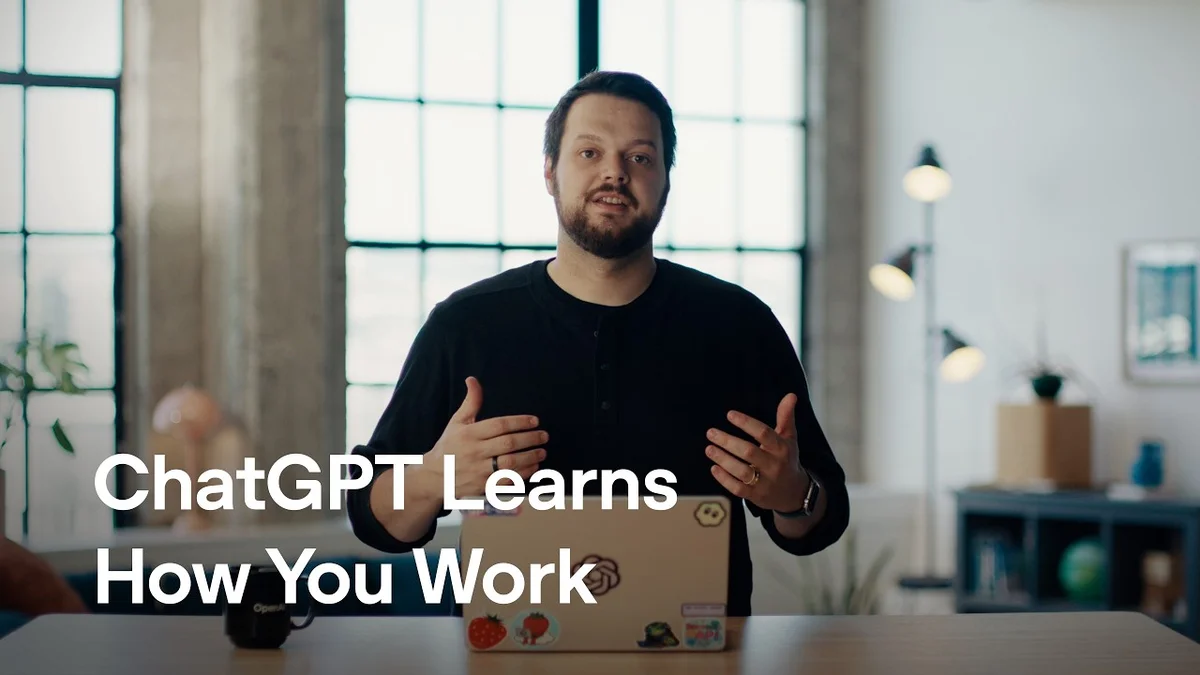
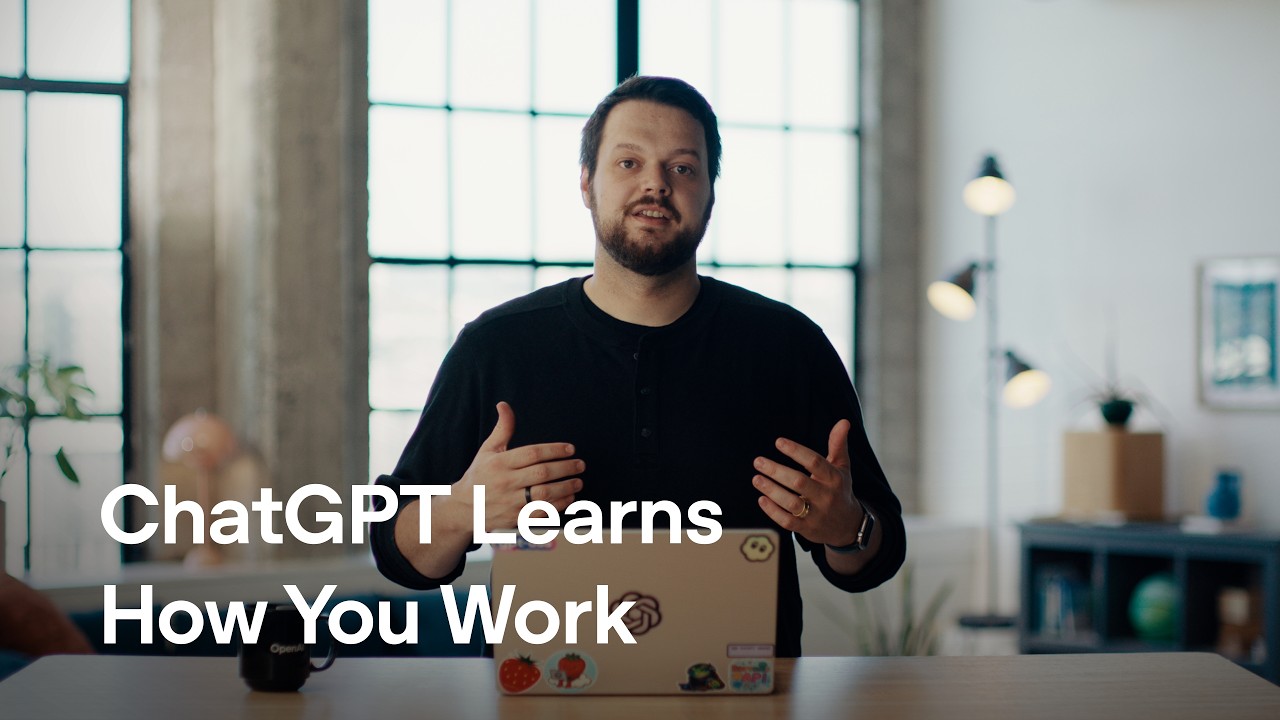
Dominik Kundel from OpenAI presents the new Computer History feature for ChatGPT.
OpenAI Youtube
Visual TL;DR
ChatGPT & CodexCore
OpenAI's AI agents for conversational interactions and code generation
From the article 2 mentionsOpenAI is introducing a significant new capability to its ChatGPT and Codex platforms: Computer History.
New 'Computer History'Core
latest feature allowing AI to learn user workflows and context
From the article 9 mentionsBy enabling Computer History in the desktop app settings on macOS, the AI can reference a user's recent activity, from clicks and typing to app switches, to understand their workflow and provide more relevant assistance.
Enable in SettingsContext
activate feature in desktop app settings on macOS for AI access
From the article 3 mentionsThese settings can be managed through a new menu bar entry or within the desktop app's settings, where users can also review, delete, or clear captured history.
Learns User WorkflowEffect
AI references recent activity like clicks, typing, and app switches
From the article 2 mentionsThe goal is to move beyond simple command-response interactions towards a more collaborative and intuitive AI partnership that learns and adapts to the user's unique way of working.
Personalized InteractionsOutcome
more natural and contextual conversations with AI agents
From the article 4 mentionsUltimately, Computer History aims to bridge the gap between AI capabilities and individual user needs, making interactions more efficient and personalized.
Recalls Specific DocsEffect
From the articleWhen asked about the last Google Doc being edited, the agent could recall the specific document, "VideoScript Computer History," by referencing the user's recent activity.
Understands ContextEffect
confirms document sharing in group DM based on past conversations
From the articleBy enabling Computer History in the desktop app settings on macOS, the AI can reference a user's recent activity, from clicks and typing to app switches, to understand their workflow and provide more relevant assistance.
More Relevant AssistanceOutcome
AI provides help tailored to user's current and past activities
From the articleBy enabling Computer History in the desktop app settings on macOS, the AI can reference a user's recent activity, from clicks and typing to app switches, to understand their workflow and provide more relevant assistance.
Contents(3)

OpenAI is introducing a significant new capability to its ChatGPT and Codex platforms: Computer History. This feature allows users to show their AI agents how they work, enabling more natural and contextual conversations. By enabling Computer History in the desktop app settings on macOS, the AI can reference a user's recent activity, from clicks and typing to app switches, to understand their workflow and provide more relevant assistance.

Understanding User Workflow

Dominik Kundel, Developer Experience at OpenAI, demonstrated how Computer History works. When asked about the last Google Doc being edited, the agent could recall the specific document, "VideoScript Computer History," by referencing the user's recent activity. This contextual understanding extends to other applications, as shown when the agent confirmed a document was shared with specific individuals in a group DM, leveraging its knowledge of past conversations.

The full discussion can be found on OpenAI Youtube's YouTube channel.

Computer History in ChatGPT - OpenAI Youtube
Computer History in ChatGPT, from OpenAI Youtube

The system captures interaction events rather than relying on screen or audio captures, making it more efficient and less intrusive. Users are given explicit control over their privacy, with the ability to exclude specific apps and websites from being tracked. These settings can be managed through a new menu bar entry or within the desktop app's settings, where users can also review, delete, or clear captured history.

Personalized AI Interactions

Computer History aims to make AI agents like ChatGPT and Codex more personalized and adaptable to individual work styles. By understanding a user's actions and patterns, the AI can suggest new skills and automations. For instance, it can propose creating a skill based on a recently performed workflow or generating an automation to draft daily standup updates.

This deeper understanding allows the AI to tailor its tool usage to the user's preferences, such as drafting documents in their preferred application. The goal is to move beyond simple command-response interactions towards a more collaborative and intuitive AI partnership that learns and adapts to the user's unique way of working.

Privacy and Control

OpenAI emphasizes user privacy with the Computer History feature. Users can granularly control what information is captured. Options include quickly excluding specific websites or entire applications via a new menu bar entry. Detailed control is also available in the desktop app's settings, where users can review all captured data, delete individual entries, clear history entirely, or even access the raw memory files. This transparency ensures users know exactly what their agent has remembered.

Beyond just remembering past actions, the feature is designed to be proactive. It will suggest skills and automations based on observed repetitive tasks. This could range from creating custom skills for specific workflows to automating routine actions like drafting team updates. Ultimately, Computer History aims to bridge the gap between AI capabilities and individual user needs, making interactions more efficient and personalized.

© 2026 StartupHub.ai. All rights reserved. You may not republish this article in full without a license. Search engines and AI research tools may crawl and summarize for reference. Bulk reproduction or model training requires a license. See our terms.
Daniel Singer

Written by

Daniel Singer

Editor, StartupHub.ai

Daniel Singer is the editor of StartupHub.ai, a technology expert and thought leader on AI and its applications across sectors, from fintech and healthcare to developer tooling and consumer software. He writes and tests the tools covered here thoroughly and regularly, and built StartupHub.ai to give founders, operators and buyers a clearer read on what they are actually being sold.