
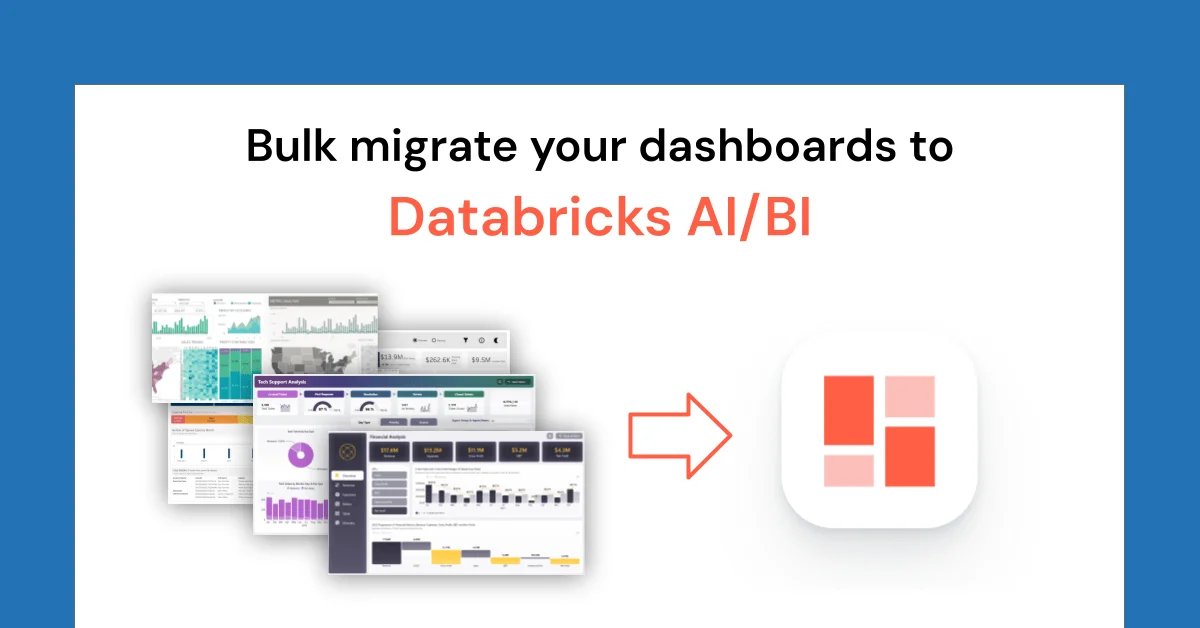
The obvious reading is that Databricks just removed the grunt work from BI migration with bulk /importBI, which the company says is now generally available. There is no prediction venue pricing that outcome, no odds or volume to track, and nothing has moved because this is a product note, not a market event. The limit sits in the setup guide itself, since partner-powered AI features must be enabled at account and workspace levels. Not financial advice. Markets move fast.
I think this saves kickoff time, not sign-off time. Point Genie Code at a Unity Catalog volume folder from a draft dashboard and it lists what it found, pairs Tableau workbooks with companion .tds files, and asks for a target catalog and schema before running a few reports at a time. That is genuinely better than one-off imports.
What would have to be true for the easy story to hold is that your data is already where Databricks can use it. The company says migrated dashboards map through Lakeflow Connect, Lakehouse Federation or existing Unity Catalog tables, and warns the agent may adapt to the closest available table if the right source is missing. Add your batch instruction up front, name the prod schema, and check every pairing.
File handling is narrower than folder-scale implies. Supported types are .twb, .twbx, .tds, .tdsx, .pbit and .tmdl, according to the company, and bulk only reads from the volume. Dragging files into chat still works only for single-report imports. Current limits on file count and size are deferred to public /importBI docs.
To be fair, the operational design is serious. Each report runs in its own background job with a status card showing Queued, Running or Completed, per the company, and each filename links to its own Genie Code conversation for questions and fixes. Genie Code also helps developers generate, optimize, explain and fix code across notebooks, the SQL editor, jobs, AI/BI dashboards and the file editor, per Microsoft Learn documentation. Promoted metric views can then be reused by other dashboards, Genie agents and notebooks, which is the durable win.
The harder part is proof. Databricks tells users to freeze a filter state in the old tool, screenshot KPIs and chart totals, match filters in AI/BI, then ask Genie Code to reconcile every number and explain mismatches from metric view SQL. Distinct counts, level-of-detail expressions, time intelligence, default filters and extract freshness all break equality without breaking the migration. Migrate a folder if you must, but staff the reconciliation like the migration itself.