

ChatGPT Work Automates Weekly Metrics Reports

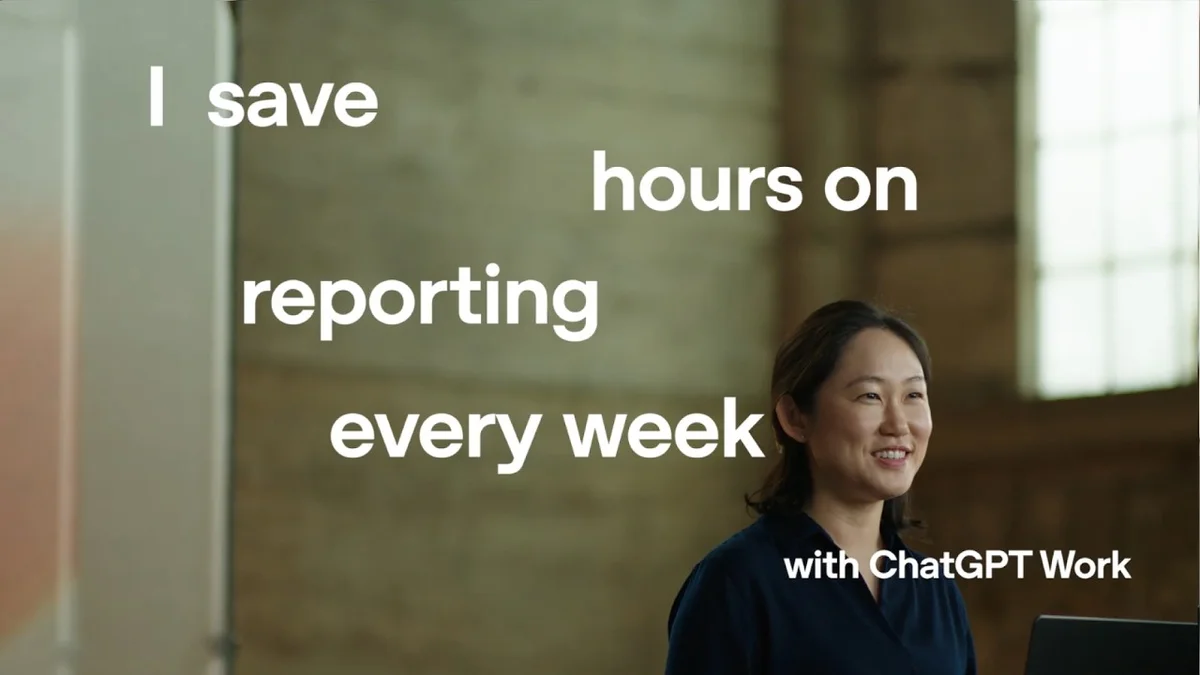
OpenAI data scientist Eunjii Noh shows how ChatGPT Work automates weekly metric reports, saving hours of manual work for data scientists.

OpenAI data scientist Eunjii Noh demonstrates ChatGPT Work for automated weekly metric reports.
OpenAI Youtube
Visual TL;DR
Manual Weekly ReportsDriver
data scientists spend 3-4 hours weekly on metric readouts
From the articleBy scheduling the workflow, Noh ensures that her weekly metric report is automatically generated and waiting for her every Thursday morning.
Eunjii Noh DemoContext
OpenAI data scientist demonstrates the automated workflow on YouTube
From the articleOpenAI data scientist Eunjii Noh demonstrates how ChatGPT Work can significantly reduce the time spent on weekly metric reporting.
ChatGPT WorkCore
AI tool from OpenAI automates report generation for data scientists
From the article 7 mentionsOpenAI data scientist Eunjii Noh demonstrates how ChatGPT Work can significantly reduce the time spent on weekly metric reporting.
Product PerformanceContext
From the article 4 mentionsThis report highlights the product's performance and details week-over-week changes.
Automated First DraftEffect
AI generates initial report, significantly reducing manual effort
From the article 2 mentionsWhat once took her three to four hours per week can now be accomplished with a first draft generated by the AI, freeing up valuable time for data scientists and report creators.
4-Step ProcessContext
straightforward steps to open ChatGPT Work and automate tasks
From the article 2 mentionsBefore using ChatGPT Work, this process was a time-intensive task.
Save Hours WeeklyOutcome
frees up valuable time for data scientists and report creators
Contents(4)

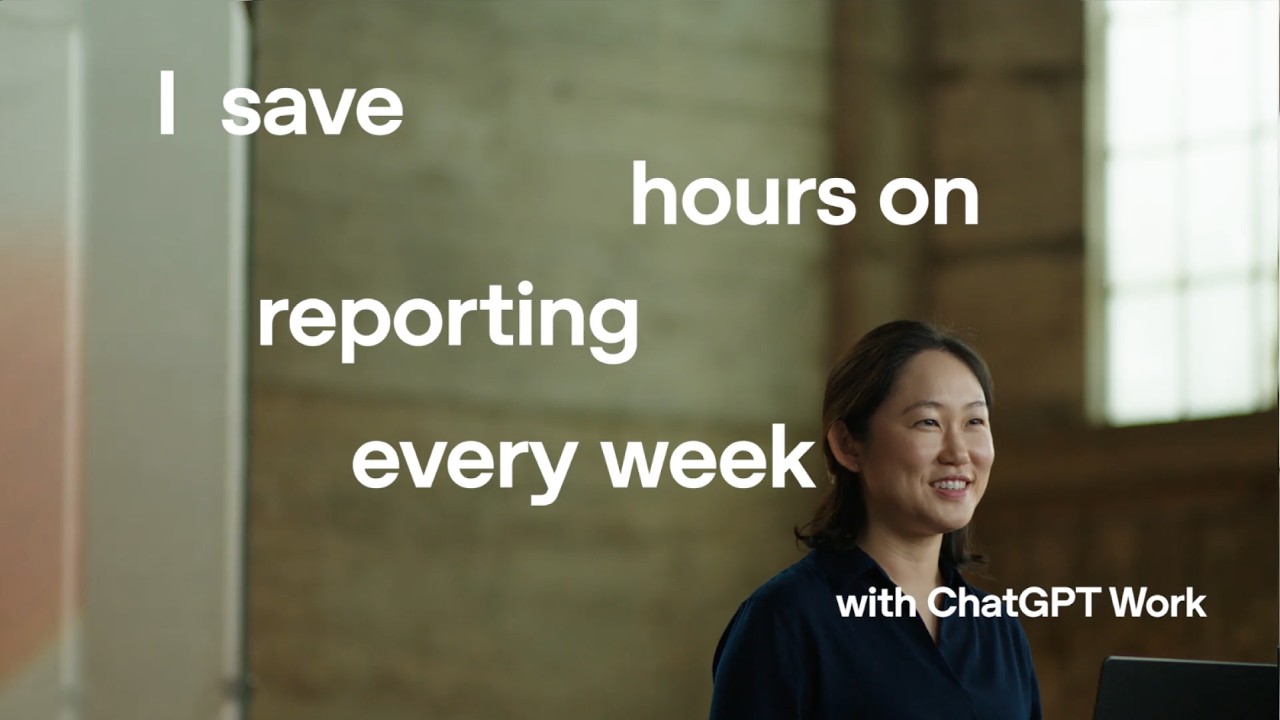
OpenAI data scientist Eunjii Noh demonstrates how ChatGPT Work can significantly reduce the time spent on weekly metric reporting. What once took her three to four hours per week can now be accomplished with a first draft generated by the AI, freeing up valuable time for data scientists and report creators.

Streamlining Weekly Metric Reporting

Noh explains that her primary recurring responsibility at OpenAI is delivering a weekly metric readout for her product area. This report highlights the product's performance and details week-over-week changes. Before using ChatGPT Work, this process was a time-intensive task.

The full discussion can be found on OpenAI Youtube's YouTube channel.

How to Schedule a Weekly Metrics Report With ChatGPT Work - OpenAI Youtube
How to Schedule a Weekly Metrics Report With ChatGPT Work, from OpenAI Youtube

How to Get Started with ChatGPT Work

For those looking to automate similar reporting tasks, Noh outlines a straightforward four-step process:

  • Open ChatGPT Work: This can be accessed via the desktop app or the web interface.
  • Connect Reporting Data: Noh connects her reporting data directly from Google Drive. She highlights the utility of the data analytics plugin, which enhances ChatGPT's ability to create better data visualizations and reports.
  • Share KPIs and Example Reports: Users need to share their key performance indicators (KPIs), targets, and an example of the desired report format.
  • Review and Schedule: The initial report generated by ChatGPT Work is then reviewed and adjusted as needed. Once satisfactory, the workflow can be scheduled to run automatically every Thursday.

Automated Workflow in Action

With the data analytics plugin installed, ChatGPT Work handles the entire weekly metric workflow. It pulls the current week's KPIs, analyzes week-over-week changes, identifies the main drivers behind these changes, and drafts the narrative explaining the metrics. This automation transforms hours of manual work into a complete first draft, ready for review.

Scheduled for Efficiency

By scheduling the workflow, Noh ensures that her weekly metric report is automatically generated and waiting for her every Thursday morning. This not only saves time but also provides a consistent and efficient way to monitor product health.

StartupHub.ai data shows that OpenAI, a leader in AI development, has a score of 84/100. While this video focuses on a specific tool, it highlights how AI is being applied to improve operational efficiency within companies, a trend StartupHub.ai tracks closely.

© 2026 StartupHub.ai. All rights reserved. You may not republish this article in full without a license. Search engines and AI research tools may crawl and summarize for reference. Bulk reproduction or model training requires a license. See our terms.
Daniel Singer

Written by

Daniel Singer

Editor, StartupHub.ai

Daniel Singer is the editor of StartupHub.ai, a technology expert and thought leader on AI and its applications across sectors, from fintech and healthcare to developer tooling and consumer software. He writes and tests the tools covered here thoroughly and regularly, and built StartupHub.ai to give founders, operators and buyers a clearer read on what they are actually being sold.