
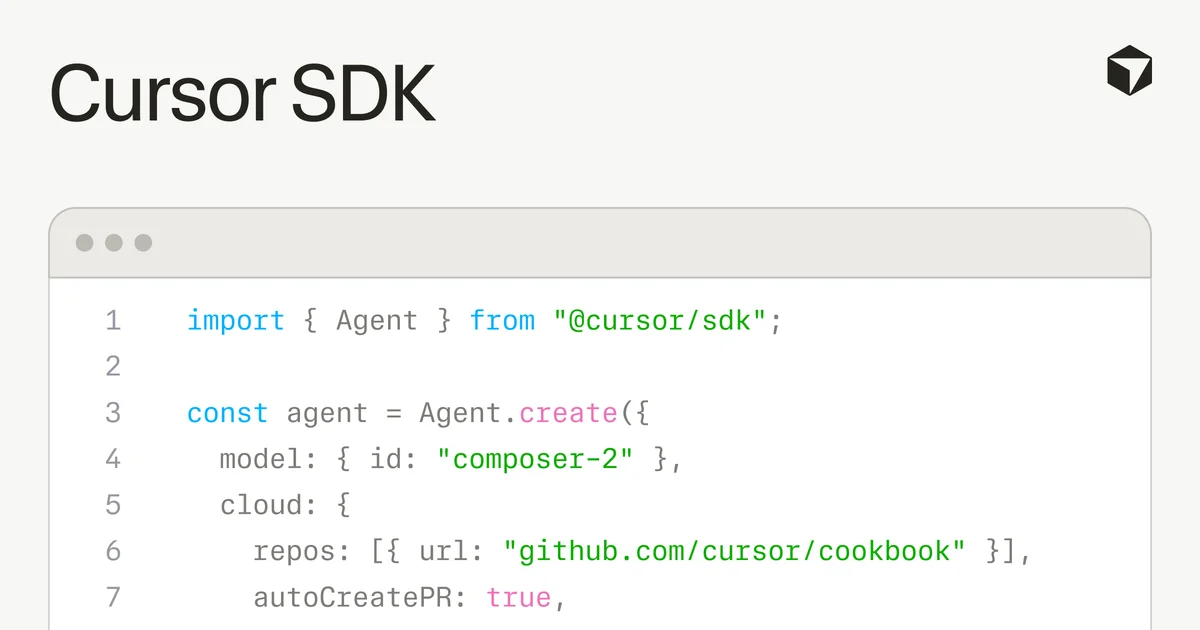
Cursor is opening up its AI agent technology with the release of its new Cursor SDK. This tool allows developers to programmatically build and deploy custom coding agents, leveraging the same runtime, harness, and models that power Cursor’s desktop, CLI, and web applications. The SDK is now available in public beta.
Previously, building robust coding agents required significant engineering effort, from secure sandboxing to state management and adapting to new models. The Cursor SDK aims to abstract away this complexity, enabling teams to focus on agent functionality rather than infrastructure.
Deploying Agents at Scale
The SDK provides access to production-ready cloud infrastructure, offering dedicated virtual machines with strong sandboxing and pre-configured development environments. These cloud sessions are designed for durability, allowing agents to continue running even if a local machine goes offline. Agents can execute tasks like opening pull requests or pushing branches upon completion.
For increased control and data privacy, agents can also be run on self-hosted workers, keeping code and tool execution within a company's network. Local execution is supported for rapid iteration and testing.
Harnessing Cursor's Capabilities
Agents built with the SDK benefit from Cursor's core features. These include intelligent context management for faster code navigation via indexing and semantic search, and the ability to connect to external tools and data sources through MCP servers. Agents can also automatically integrate skills from a repository's .cursor/skills directory and extend agent loops using hooks defined in .cursor/hooks.json.
The SDK supports delegating subtasks to specialized subagents, streamlining complex workflows.
Model Flexibility and Developer Use Cases
Developers can easily switch between any model supported by Cursor, optimizing for cost and capability with a simple configuration change. The specialized Composer 2 model is highlighted for its balance of performance and efficiency in coding tasks.
Early adopters are already using the Cursor SDK to automate CI/CD pipelines, summarize code changes, identify failure root causes, and update pull requests. Some companies are embedding these agents directly into customer-facing products, providing AI-powered experiences without users needing to leave the application.
Cursor offers starter projects on GitHub to help developers begin building, including a Node.js quickstart, a web-based prototyping tool, a kanban board for agent-driven workflows, and a command-line interface for spawning agents.
The SDK is available via npm install @cursor/sdk and is billed on a token-consumption basis.



