
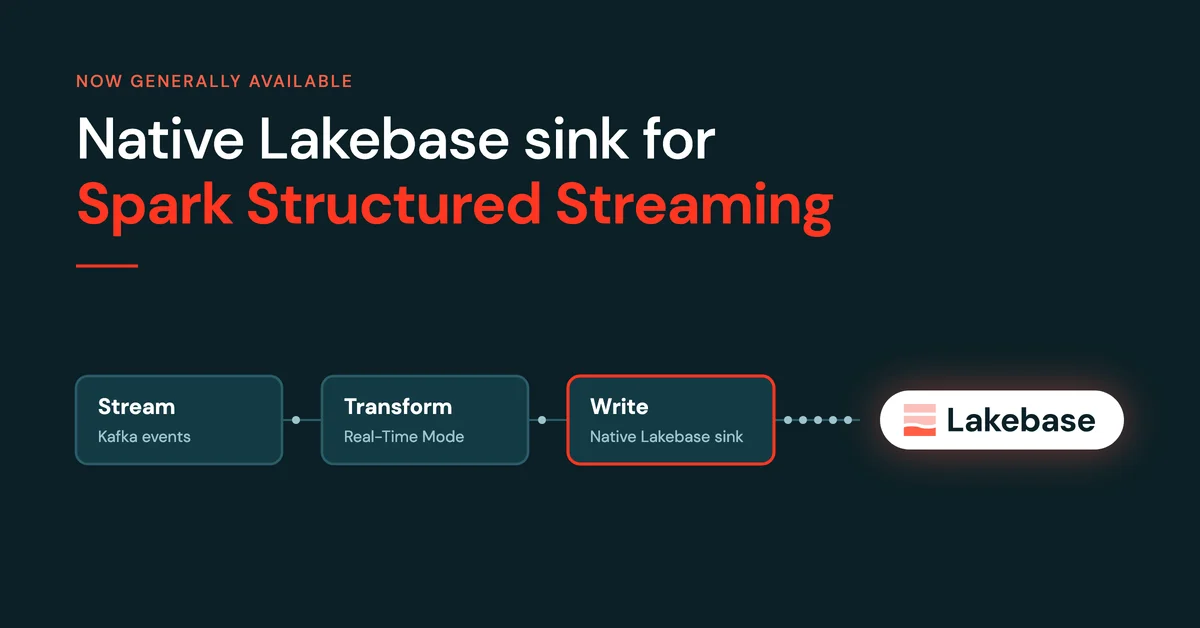
Databricks made its native Lakebase sink for Spark Structured Streaming generally available.
The obvious read is that custom foreach writers are dead. I do not buy that yet. Databricks says one writeStream call now handles batching, pooling, retries with backoff and upserts, and it is a clean fix for weeks of glue code. That is true for the happy path.
The limits are real and they are in the fine print. The sink is not supported in Lakeflow Declarative Pipelines, Databricks says, and Real-Time Mode triggers run on classic compute while serverless must use Trigger.AvailableNow. Merge strategies need Databricks Runtime 19 and above, and writes to external Postgres over format("postgresql") remain in Public Preview. Those carveouts decide many architectures.
The strongest case for the sink is operational, not theoretical. Maria Marinova, Sr. Lead Software Engineer at DraftKings, which streams activity into Lakebase for a risk agent, said the native sink "reduces the custom work required for connection pooling, batching, and retries." Databricks backed that with a sustained test at 20K events per sec across 5 million users for one hour, reporting P50 183 ms and P99 354 ms end to end from Kafka timestamp to Lakebase, with 63.5 million upserts.
For that obvious reading to hold, throughput has to survive state growth and key contention. Databricks says Real-Time Mode is a Spark Structured Streaming trigger that processes records as they arrive for millisecond end to end latency, which explains the 100 to 200 ms sink step in its video feature demo. The demo still used synthetic data replayed into Kafka on a 40-core classic cluster writing to an 8-CU Lakebase project, and Databricks warns your numbers will differ with rate, state, cluster and Lakebase size. That caveat is fair, and it puts sizing work back on you.
Do not rewrite your path until you have load tested your keys, your conflicts and your retries. If you run classic compute on Databricks Runtime 18 LTS and above with Unity Catalog tables, try it.