


ChatGPT Work Puts Slack and Gmail on Phone

ChatGPT Work brings Slack, Gmail and finance triage to your phone via dictation, plus Remote access to your laptop.

6 min read
Person using ChatGPT Work on phone to check Slack and Gmail
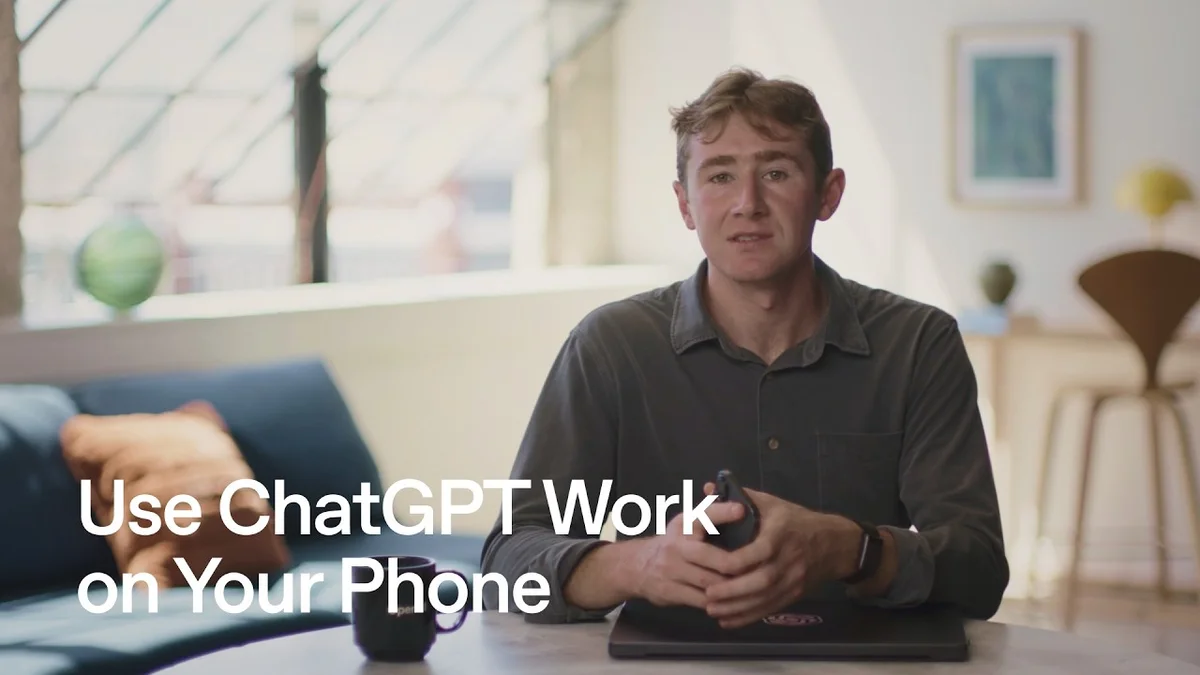
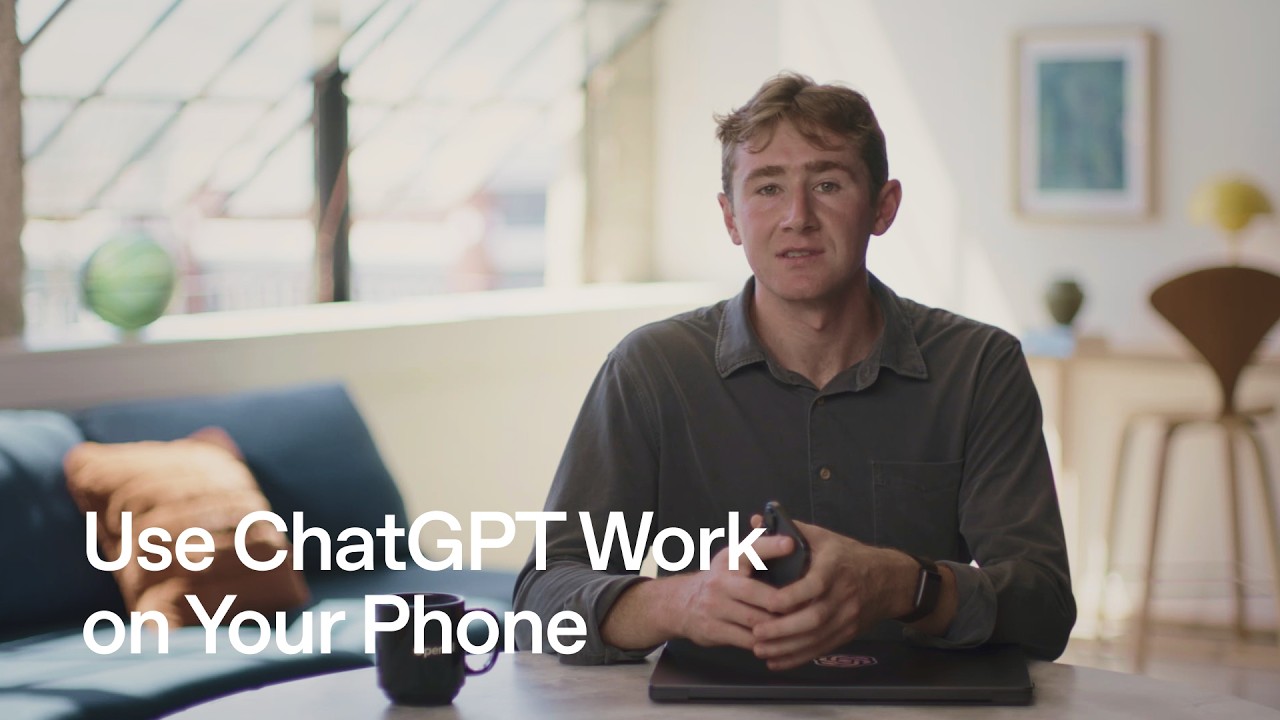
OpenAI demos ChatGPT Work mobile with Slack, Gmail and Remote laptop pairing.· OpenAI Youtube
Visual TL;DR
Work catch-up overloadContext
scrolling through days of Slack and email after vacation or long weekend
Phone dictation inputCore
voice replaces typing as primary method for on-the-go triage
From the articleDictation is positioned as the primary input, which matters for triage when you are away.
ChatGPT Work appCore
brings Slack Gmail and finance triage fully to mobile phone
From the article 3 mentionsYou open Remote on your computer, scan the pairing code with the ChatGPT app, and pick the machine.
Intelligent triage engineEffect
weights your active channels to surface only urgent items
Catch-up on commuteOutcome
get fully updated before reaching desk instead of at computer
Work catch-up overloadContext
scrolling through days of Slack and email after vacation or long weekend
Remote laptop accessCore
keeps full desktop capability available when phone is not enough
From the articleWhen you need files or apps on your laptop, Remote connects the two.
Phone dictation inputCore
voice replaces typing as primary method for on-the-go triage
From the articleDictation is positioned as the primary input, which matters for triage when you are away.
ChatGPT Work appCore
brings Slack Gmail and finance triage fully to mobile phone
From the article 3 mentionsYou open Remote on your computer, scan the pairing code with the ChatGPT app, and pick the machine.
Intelligent triage engineEffect
weights your active channels to surface only urgent items
Action layer shiftContext
OpenAI moving ChatGPT from chat box to actionable tasks
From the articleOpenAI has been pushing ChatGPT from chat box to action layer for 18 months, with Connectors for Gmail, Slack, Drive and custom GPTs as the bridge.
Urgent vs ignorableEffect
separates what needs immediate reply from what can wait
From the articleAccording to OpenAI Youtube, you can dictate a request to check Slack and Gmail from the last week and get back only what needs urgent action.
Catch-up on commuteOutcome
get fully updated before reaching desk instead of at computer
Contents(6)

ChatGPT Work now runs fully from your phone, and the pitch is simple: catch up before you reach your desk.

According to OpenAI Youtube, you can dictate a request to check Slack and Gmail from the last week and get back only what needs urgent action.

The full discussion can be found on OpenAI Youtube's YouTube channel.

Use ChatGPT Work on Your Phone - OpenAI Youtube
Use ChatGPT Work on Your Phone, from OpenAI Youtube

What ChatGPT Work actually does on phone

You speak instead of typing. ChatGPT Work then reads through your email and Slack and weights the channels you are active in to build a full view of what you missed.

It surfaces what changed, which messages need a reply, and what you can ignore. The goal is to kill the first half-day back from vacation spent scrolling history.

Phone-first, not desktop-lite

This is not a mobile wrapper for the web app. Dictation is positioned as the primary input, which matters for triage when you are away.

OpenAI has been pushing ChatGPT from chat box to action layer for 18 months, with Connectors for Gmail, Slack, Drive and custom GPTs as the bridge. Putting that on iOS and Android closes the loop for executives who live on phones.

The competition is not subtle. Alphabet Inc. (NASDAQ:GOOGL) is baking Gemini into Gmail and Android, and Microsoft (NASDAQ:MSFT) is doing the same with Copilot and Outlook/Teams. OpenAI needs a habit on the device you check first.

From work inbox to personal finances

The second use case in the video is personal. You can ask how saving went for the last month and where spending spiked.

That runs through a Finances plugin with read-only access to accounts and credit cards. It shows saving progress, top spending categories and anything unusual, without pulling statements yourself.

You can also set it to repeat the check daily and alert you only if something is out of the ordinary. That is a shift from one-off queries to ongoing monitoring.

Remote keeps the laptop in play

Most tasks stay on the phone. When you need files or apps on your laptop, Remote connects the two.

You open Remote on your computer, scan the pairing code with the ChatGPT app, and pick the machine. From the phone you can open a task already running on that computer and steer it, while it retains access to local files and apps.

The constraint is explicit: the computer must stay awake and online. On Mac that means leaving it open or plugging in and turning on Keep this Mac awake, per the demo on Apple (NASDAQ:AAPL) hardware.

Where Slack and Remote fit in the stack

StartupHub.ai data shows Slack at 68/100, ahead of nearby work-chat alternatives we track such as Lark at 63/100, Viktor at 62/100, Glia at 61/100, Ask-AI at 58/100 and Lua Global at 56/100.

That lead explains why OpenAI prioritizes Slack and Gmail as the first Work graph. It goes where attention already lives.

StartupHub.ai data puts Remote at 23/100. That low utility score reflects how niche phone-to-laptop pairing still is, and OpenAI is betting that keeping local files reachable will matter more as agents handle longer tasks.

Why this matters

Work is OpenAI's enterprise wedge. If users trust it to triage Slack and Gmail on vacation, they will trust it with projects, docs and approvals.

The risk is the same as the value proposition. Read-only finance access still requires linking accounts to a third party, and inbox triage requires broad read access to work communications.

Salesforce (NYSE:CRM), which owns Slack, and Google both have native advantage in permissions and admin controls. OpenAI must prove its connector model respects channel privacy, retention policies and finance data boundaries better than the platform owners do.

For now OpenAI is selling time. Not another inbox, but less time in it.

© 2026 StartupHub.ai. All rights reserved. Do not enter, scrape, copy, reproduce, or republish this article in whole or in part. Use as input to AI training, fine-tuning, retrieval-augmented generation, or any machine-learning system is prohibited without written license. Substantially-similar derivative works will be pursued to the fullest extent of applicable copyright, database, and computer-misuse laws. See our terms.