Cursor is deepening its AI agent capabilities with the integration of Phantom Connect, a move that injects agentic commerce and payment functionality directly into its development environment. This integration allows AI agents to interact with cryptocurrency wallets, a silent but massive leap for the platform.
The Phantom Connect plugin endows agents with the ability to swap tokens, sign transactions, and manage wallet addresses across Phantom's supported blockchain networks. Developers can now leverage AI assistants for tasks previously requiring manual wallet interaction, tapping into Phantom's documentation for contextual guidance.
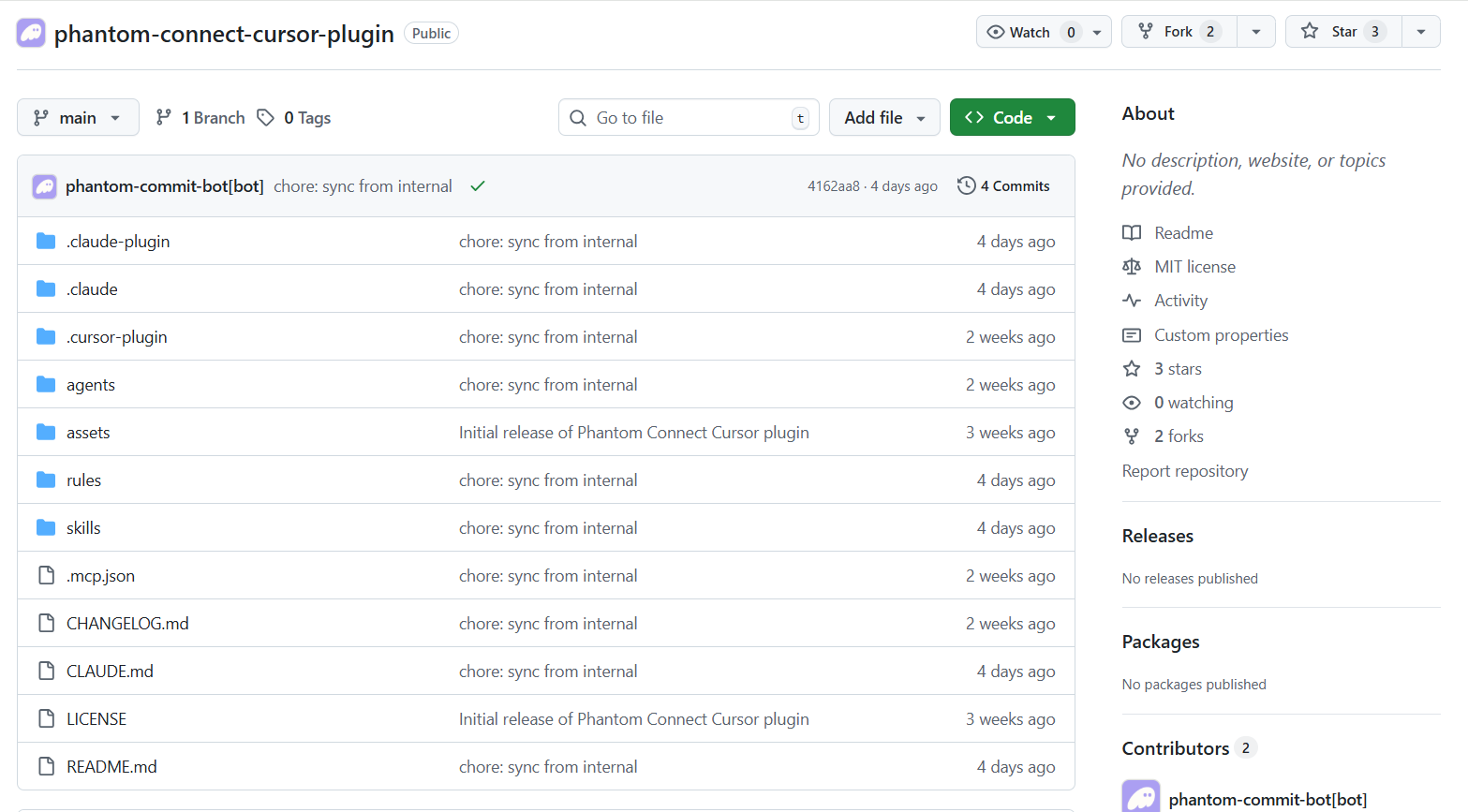
This new functionality extends beyond basic wallet operations. The plugin includes skills, rules, and agents designed to help scaffold wallet-connected applications using the Phantom Connect SDK. Support spans React, React Native, and vanilla JavaScript/TypeScript projects.
Agentic Payment Capabilities Emerge
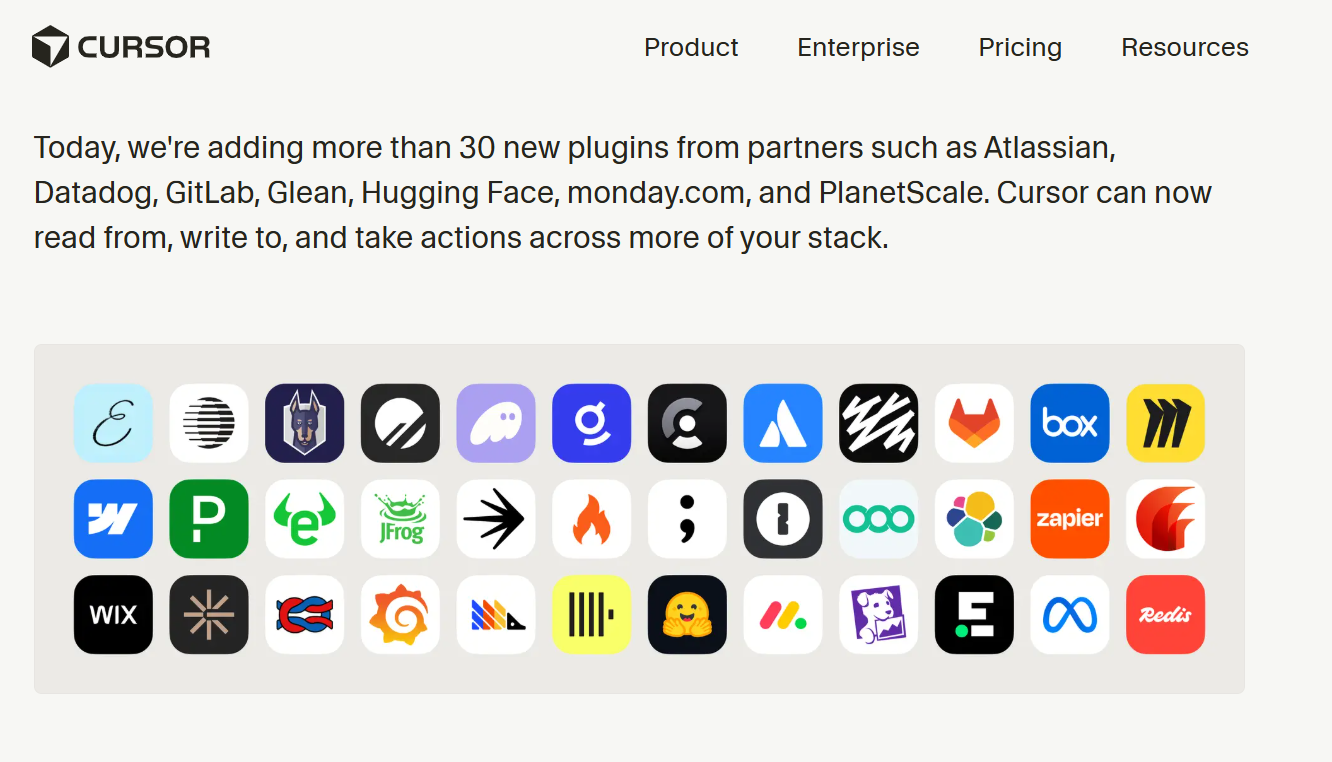
The inclusion of Phantom Connect marks a significant expansion of Cursor's plugin ecosystem. Previously, Cursor added over 30 new marketplace plugins and introduced Cursor Automations, but this integration introduces a new dimension of financial interaction for AI agents. This move signals a broader trend towards enabling AI agents with real-world transactional abilities, a concept explored in discussions around AI Agents Need B2B Payments.
What's included in the integration is comprehensive. Eight shared skills cover everything from scaffolding specific app setups (React, Browser, React Native) to handling SOL transactions, message signing, social logins, and direct wallet operations via an MCP server. Rules specific to Cursor enforce best practices for SDK usage, Solana transaction safety, and embedded wallet constraints.