

Run LLMs Locally with Llama.cpp

Cedric Clyburn explains how Llama.cpp makes running large language models locally on consumer hardware possible, highlighting GGUF format and optimized kernels for efficiency and accessibility.

4 min read
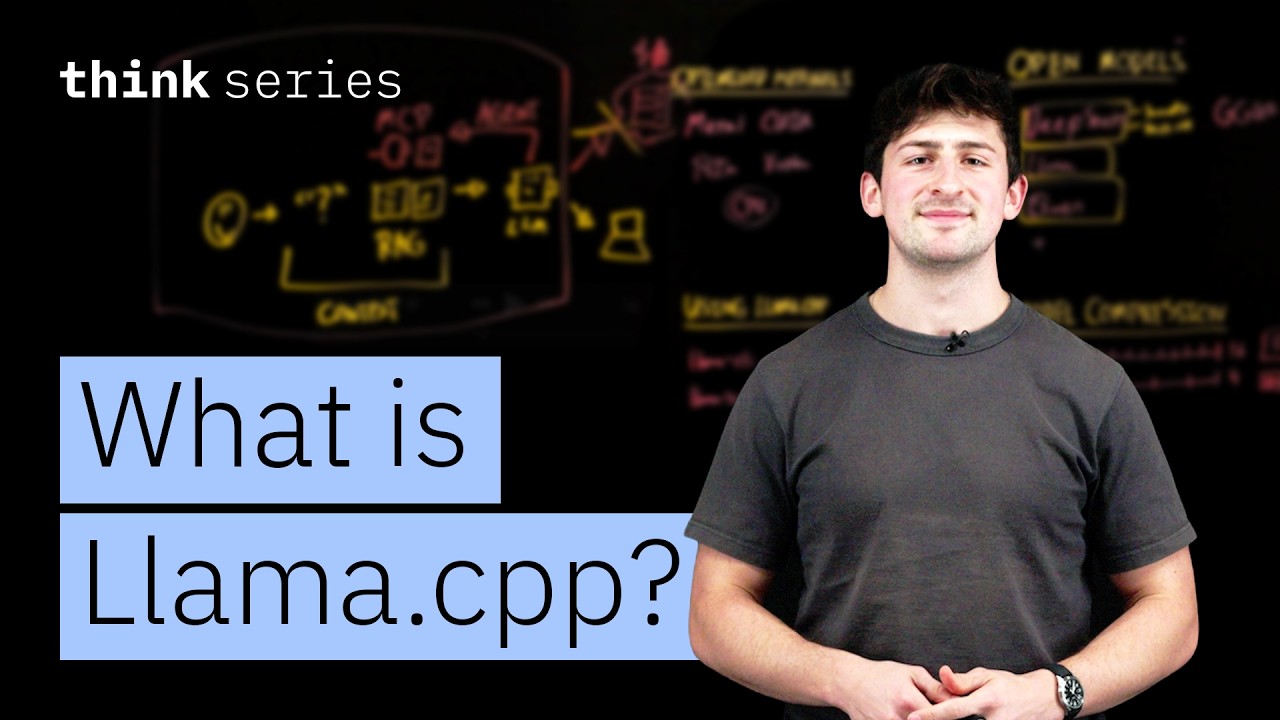
Cedric Clyburn presenting on stage with AI concepts drawn on a blackboard behind him.

Cedric Clyburn, a Senior Developer Advocate at Red Hat, introduces a powerful approach to democratize access to large language models (LLMs) by enabling their execution on local, consumer-grade hardware. The video highlights the project Llama.cpp, a C++ implementation that allows users to run LLMs efficiently on devices like laptops or Raspberry Pis, offering significant advantages in terms of cost, data privacy, and usage freedom.

Cedric Clyburn: A Champion for Open AI Development

Cedric Clyburn is a prominent figure in the developer advocacy space, focusing on open-source technologies and their practical applications. His role at Red Hat involves bridging the gap between complex enterprise solutions and the developer community, often by showcasing innovative tools and platforms. Clyburn's expertise lies in making advanced technologies accessible and understandable, particularly in areas like cloud-native development, containers, and now, the burgeoning field of AI and large language models.

The Challenge of Running Large Language Models

The conversation begins by addressing the inherent challenges associated with running most large language models. Clyburn explains that LLMs are typically designed for large data centers, requiring significant computational resources and substantial amounts of RAM. This makes them expensive to run and often necessitates reliance on cloud-based APIs, which can introduce costs, usage limitations, and data privacy concerns for users and organizations.

The full discussion can be found on IBM's YouTube channel.
What Is Llama.cpp? The LLM Inference Engine for Local AI — from IBM

Introducing Llama.cpp: Local LLM Execution

Clyburn then introduces Llama.cpp as a solution to these challenges. He describes it as a project that allows users to run their own LLMs locally, providing a more controlled and cost-effective experience. The core value proposition is the ability to achieve this without subscription costs, usage limits, or the need to send sensitive data to external servers, thereby ensuring full data privacy.

Key Technologies: GGUF and Optimized Kernels

The efficiency of Llama.cpp is attributed to two primary factors: model quantization and optimized kernels. Clyburn elaborates on the GGUF format, a file format designed for LLMs that facilitates model compression through quantization. Quantization involves reducing the precision of the model's weights, for example, from 16-bit floating-point numbers to 4-bit integers. This process significantly reduces the model's size and RAM requirements, making it feasible to run on less powerful hardware. Clyburn notes that while quantization can lead to a slight reduction in accuracy, Llama.cpp employs advanced techniques to minimize this impact, often retaining high performance.

Furthermore, Llama.cpp leverages optimized kernels for various hardware platforms. Clyburn highlights support for Apple's Metal API, NVIDIA's CUDA, AMD's ROCm and Vulkan, and importantly, CPU execution. This broad compatibility ensures that users can run LLMs on a wide range of devices, from Macs and PCs with dedicated GPUs to even more modest setups like Raspberry Pis.

How Llama.cpp Works: The RAG Analogy

To explain the process, Clyburn draws an analogy to Retrieval Augmented Generation (RAG). He illustrates that when a user asks a question, the system first retrieves relevant context from external documents or data sources. This context is then incorporated into the prompt sent to the LLM. In the case of Llama.cpp, the model itself acts as the endpoint, taking the augmented prompt and generating a response. The process can be visualized as:

  • User QueryRAG (Context Retrieval)Augmented PromptLLMResponse

This method allows LLMs to leverage specific, up-to-date information beyond their training data, improving the accuracy and relevance of their outputs.

Local LLM Deployment with Llama.cpp

Clyburn demonstrates how developers can utilize Llama.cpp for local deployment. He mentions that many open models, such as those from Hugging Face, DeepSeek, Llama, and Mistral, are available in the GGUF format. These models can be easily loaded and run using the Llama.cpp command-line interface (CLI) or its server component.

For instance, running a model locally typically involves commands like:

  • llama-cli -m model.gguf
  • llama-server -m model.gguf -port 8080

This allows users to interact with the LLM directly through the terminal or via an API endpoint, offering a flexible and powerful way to integrate LLM capabilities into local applications and workflows.

Advantages of Local LLM Execution

The primary advantages of using Llama.cpp for local LLM execution are:

  • Cost Savings: Eliminates the need for expensive API calls or cloud infrastructure.
  • Data Privacy: Keeps sensitive data on the user's device, ensuring confidentiality.
  • No Usage Limits: Users are not constrained by API rate limits or token counts.
  • Customization: Allows for fine-tuning and experimentation with different models and parameters.
  • Offline Capabilities: Enables LLM usage even without an internet connection.

Clyburn emphasizes that the project's continuous development and community support are key to its growing popularity and effectiveness in making advanced AI more accessible to everyone.