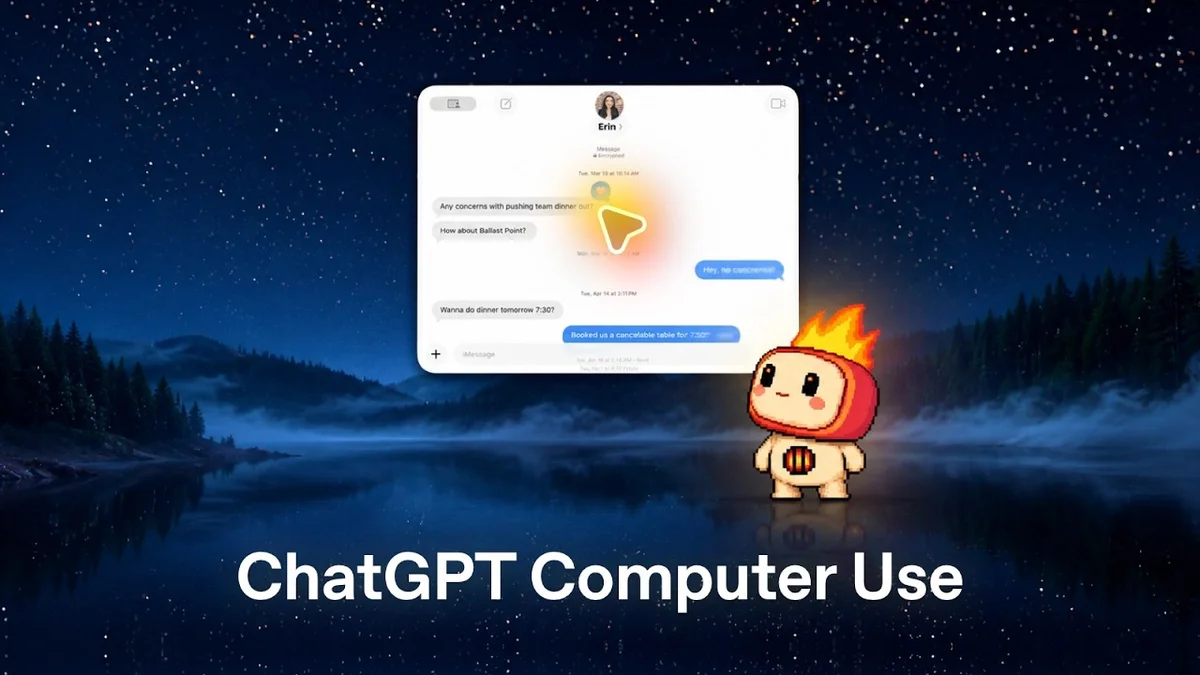
ChatGPT Computer Use Now Faster With Live Picture-in-Picture

ChatGPT's Computer Use skill now allows it to control any application with a new live picture-in-picture mode for enhanced multitasking.

7 min read
Split screen showing ChatGPT interface and a presentation slide with potatoes.
OpenAI Youtube

Visual TL;DR. Limited Computer Use updated to ChatGPT Computer Use. ChatGPT Computer Use with Live Picture-in-Picture. Live Picture-in-Picture enables Enhanced Multitasking. ChatGPT Computer Use allows Direct Application Control. Enhanced Multitasking leads to Faster Computer Interactions. Direct Application Control results in Faster Computer Interactions. ChatGPT Computer Use suggests Future Potential.

  1. Limited Computer Use: Previous skill had limited scope for controlling applications
  2. ChatGPT Computer Use: New skill allows control of any application on user's computer
  3. Live Picture-in-Picture: Introduced for seamless multitasking and dynamic user experience
  4. Enhanced Multitasking: Enables AI to work with multiple applications simultaneously
  5. Direct Application Control: AI can now execute tasks like creating slides or inputting data
  6. Faster Computer Interactions: Broader utility beyond simple text-based conversations
  7. Future Potential: Blurring lines between AI assistance and direct computer control
Visual TL;DR
Visual TL;DR, startuphub.ai Limited Computer Use updated to ChatGPT Computer Use. ChatGPT Computer Use with Live Picture-in-Picture. Live Picture-in-Picture enables Enhanced Multitasking. Enhanced Multitasking leads to Faster Computer Interactions updated to with enables leads to Limited Computer Use ChatGPT Computer Use Live Picture-in-Picture Enhanced Multitasking Faster Computer Interactions From startuphub.ai · The publishers behind this format
Visual TL;DR, startuphub.ai Limited Computer Use updated to ChatGPT Computer Use. ChatGPT Computer Use with Live Picture-in-Picture. Live Picture-in-Picture enables Enhanced Multitasking. Enhanced Multitasking leads to Faster Computer Interactions updated to with enables leads to Limited ComputerUse ChatGPT ComputerUse LivePicture-in-Picture EnhancedMultitasking Faster ComputerInteractions From startuphub.ai · The publishers behind this format
Visual TL;DR, startuphub.ai Limited Computer Use updated to ChatGPT Computer Use. ChatGPT Computer Use with Live Picture-in-Picture. Live Picture-in-Picture enables Enhanced Multitasking. Enhanced Multitasking leads to Faster Computer Interactions updated to with enables leads to Limited Computer Use Previous skill had limited scope forcontrolling applications ChatGPT Computer Use New skill allows control of anyapplication on user's computer Live Picture-in-Picture Introduced for seamless multitasking anddynamic user experience Enhanced Multitasking Enables AI to work with multipleapplications simultaneously Faster Computer Interactions Broader utility beyond simple text-basedconversations From startuphub.ai · The publishers behind this format
Visual TL;DR, startuphub.ai Limited Computer Use updated to ChatGPT Computer Use. ChatGPT Computer Use with Live Picture-in-Picture. Live Picture-in-Picture enables Enhanced Multitasking. Enhanced Multitasking leads to Faster Computer Interactions updated to with enables leads to Limited ComputerUse Previous skill hadlimited scope forcontrolling… ChatGPT ComputerUse New skill allowscontrol of anyapplication on… LivePicture-in-Picture Introduced forseamlessmultitasking and… EnhancedMultitasking Enables AI to workwith multipleapplications… Faster ComputerInteractions Broader utilitybeyond simpletext-based… From startuphub.ai · The publishers behind this format
Visual TL;DR, startuphub.ai Limited Computer Use updated to ChatGPT Computer Use. ChatGPT Computer Use with Live Picture-in-Picture. Live Picture-in-Picture enables Enhanced Multitasking. ChatGPT Computer Use allows Direct Application Control. Enhanced Multitasking leads to Faster Computer Interactions. Direct Application Control results in Faster Computer Interactions. ChatGPT Computer Use suggests Future Potential updated to with enables allows leads to results in suggests Limited Computer Use Previous skill had limited scope forcontrolling applications ChatGPT Computer Use New skill allows control of anyapplication on user's computer Live Picture-in-Picture Introduced for seamless multitasking anddynamic user experience Enhanced Multitasking Enables AI to work with multipleapplications simultaneously Direct Application Control AI can now execute tasks like creatingslides or inputting data Faster Computer Interactions Broader utility beyond simple text-basedconversations Future Potential Blurring lines between AI assistance anddirect computer control From startuphub.ai · The publishers behind this format
Visual TL;DR, startuphub.ai Limited Computer Use updated to ChatGPT Computer Use. ChatGPT Computer Use with Live Picture-in-Picture. Live Picture-in-Picture enables Enhanced Multitasking. ChatGPT Computer Use allows Direct Application Control. Enhanced Multitasking leads to Faster Computer Interactions. Direct Application Control results in Faster Computer Interactions. ChatGPT Computer Use suggests Future Potential updated to with enables allows leads to results in suggests Limited ComputerUse Previous skill hadlimited scope forcontrolling… ChatGPT ComputerUse New skill allowscontrol of anyapplication on… LivePicture-in-Picture Introduced forseamlessmultitasking and… EnhancedMultitasking Enables AI to workwith multipleapplications… DirectApplication… AI can now executetasks like creatingslides or inputting… Faster ComputerInteractions Broader utilitybeyond simpletext-based… Future Potential Blurring linesbetween AIassistance and… From startuphub.ai · The publishers behind this format

The capabilities of ChatGPT continue to expand, with a recent update to its "Computer Use" skill promising faster and more integrated interactions. The system now allows ChatGPT to leverage any application on a user's computer, significantly broadening its utility beyond simple text-based conversations. This enhancement is further bolstered by the introduction of a live picture-in-picture mode, which enables seamless multitasking and a more dynamic user experience.
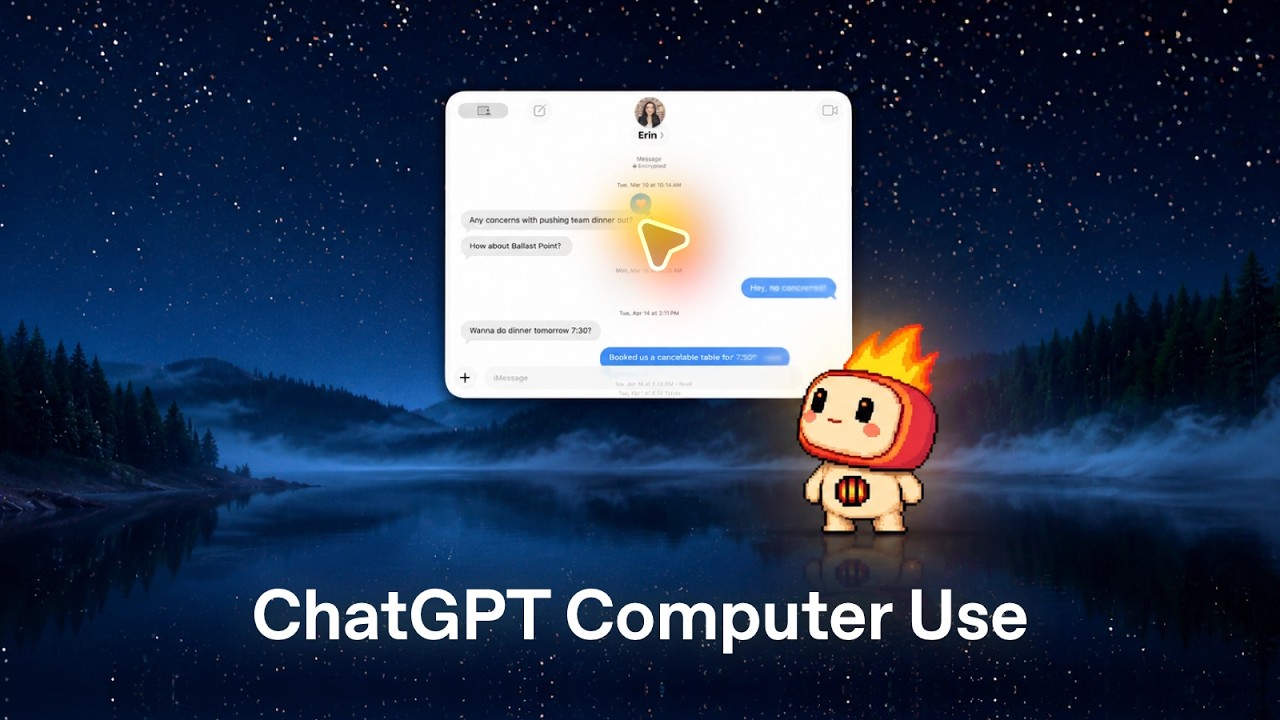
Previously, the "Computer Use" skill was more limited in its scope. However, this latest iteration allows ChatGPT to directly operate applications, a move that blurs the lines between AI assistance and direct computer control. The video demonstrates how ChatGPT can now execute tasks that were once only possible through manual user input, such as creating presentation slides within Keynote or inputting data into spreadsheets.

The full discussion can be found on OpenAI Youtube's YouTube channel.

ChatGPT Computer Use: Now faster with Live Picture-in-Picture - OpenAI Youtube
ChatGPT Computer Use: Now faster with Live Picture-in-Picture, from OpenAI Youtube

Enhanced Multitasking and Application Control

The core of this update lies in ChatGPT's ability to act as a digital assistant that can directly interface with your operating system and applications. The live picture-in-picture feature is a key component, allowing users to observe ChatGPT's actions in real-time while continuing their own work. This visual feedback loop is crucial for complex tasks where users need to monitor the AI's progress and ensure accuracy.

One compelling example shown involves a request to "add a few new slides to my Parmentier keynote with the rough ideas from my notes." ChatGPT, using its Computer Use skill, directly interacts with Keynote, creating distinct slides by incorporating content from the user's notes. This demonstrates a sophisticated understanding of application commands and content integration, moving beyond simply generating text to actively manipulating digital assets.

Real-World Applications and Future Potential

The implications of this advancement are far-reaching for productivity and automation. By being able to control applications, ChatGPT can now assist with a wider array of professional and personal tasks. The video showcases its ability to manage data in spreadsheets, potentially assisting with data entry, analysis, and organization. It also highlights its capacity to browse the web, as demonstrated by a simulated interaction involving bike comparisons, which suggests an ability to gather and synthesize information from various online sources.

The live picture-in-picture functionality is particularly noteworthy. It allows for a more transparent and interactive experience. Users can see exactly what ChatGPT is doing on their screen, fostering trust and enabling them to intervene or provide feedback as needed. This feature is a significant step towards making AI agents feel more like collaborators rather than black boxes.

The update signals a trend towards AI assistants that are deeply integrated into the user's computing environment. The ability to perform actions across different applications without manual switching or complex scripting suggests a future where AI can automate many routine digital tasks, freeing up users to focus on higher-level strategic thinking and creativity. The combination of direct application control and real-time visual feedback offers a glimpse into a more efficient and intuitive way of interacting with technology.

© 2026 StartupHub.ai. All rights reserved. Do not enter, scrape, copy, reproduce, or republish this article in whole or in part. Use as input to AI training, fine-tuning, retrieval-augmented generation, or any machine-learning system is prohibited without written license. Substantially-similar derivative works will be pursued to the fullest extent of applicable copyright, database, and computer-misuse laws. See our terms.

