


Visual TL;DR
Copilot CLI EnhancementsDriver
new slash commands for terminal control
From the article 6 mentionsFurther enhancements to GitHub Copilot CLI and its integration with tools like language servers, as seen in the recent update on Copilot CLI Gains Smarts with LSP, continue to position it as a leading platform for developers seeking to leverage advanced AI capabilities.
Slash Commands InterfaceCore
typing '/' reveals scrollable command list
From the article 3 mentionsThese commands are the primary interface for controlling the CLI’s operations.
Command CenterContext
terminal becomes control panel for AI assistant
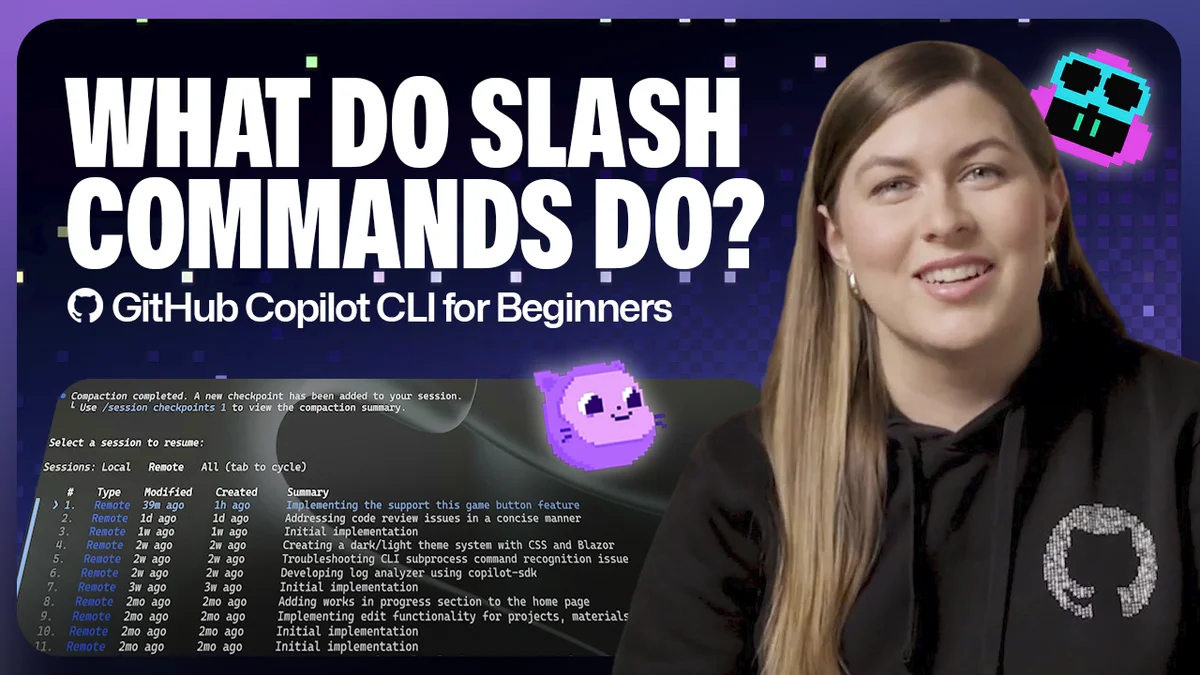
From the article 9 mentionsA recent update details the integration of slash commands, transforming the command line into a sophisticated control panel for your AI coding partner.
Optimize Model SelectionEffect
switch AI models using /model command
Manage ContextEffect
control AI's understanding of code sessions
From the article 5 mentionsAs outlined on the GitHub Blog, these commands act as built-in controls, allowing users to guide Copilot’s behavior, inspect changes, manage context, and navigate sessions seamlessly.
Inspect CodeEffect
navigate and understand AI-generated changes
From the article 3 mentionsGitHub Copilot CLI is evolving beyond simple code suggestions.
Tool PermissionsEffect
control access to external tools
From the article 5 mentionsUsers can manage the permissions granted to Copilot CLI, such as file editing capabilities.
Developer ControlOutcome
more direct and efficient AI workflow management
From the article 7 mentionsThis evolution of GitHub Copilot CLI empowers developers with greater control and efficiency, making the AI coding assistant a more integrated and responsive tool in their daily workflow.