

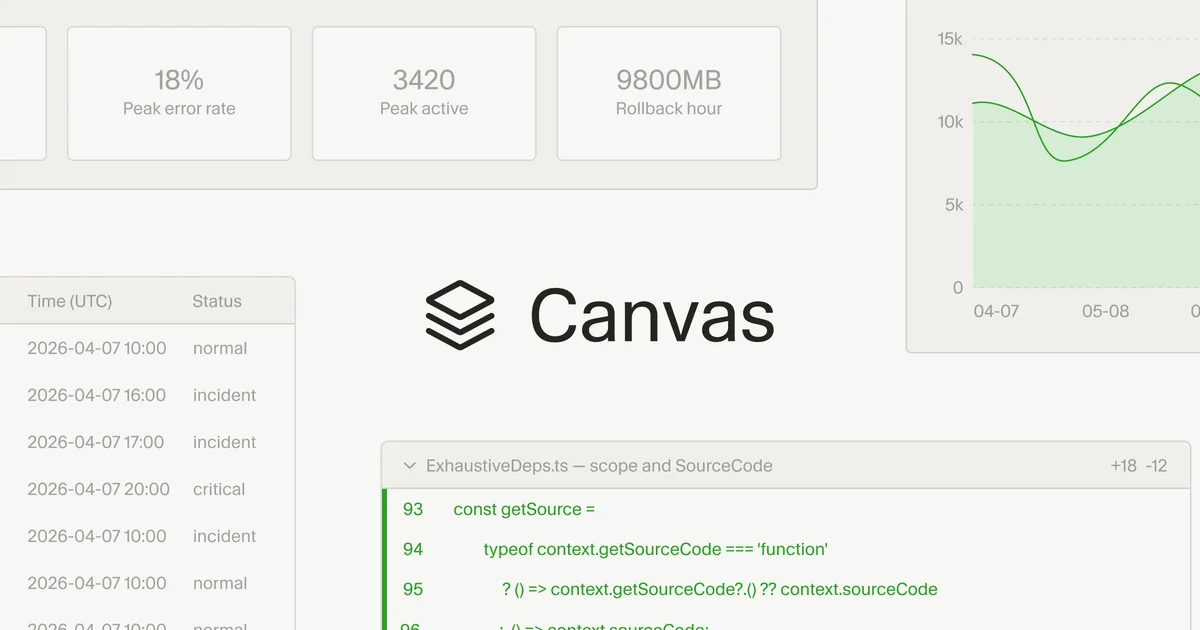
Cursor is enhancing its AI agent capabilities with the introduction of "canvases," allowing agents to create interactive visualizations. This move aims to present complex information more digestibly than traditional text-heavy outputs.
Instead of wading through walls of text, users can now interact with custom interfaces generated by agents. These agent-created visualizations can function as dashboards for real-world data or bespoke tools tailored to specific requests. As detailed on the Cursor Blog, these canvases live within the Agents Window, acting as persistent artifacts alongside other development tools.
Components as Building Blocks
Cursor renders these canvases using a React-based UI library. Agents are equipped with first-party components like tables, diagrams, and charts, alongside existing Cursor elements such as diffs. Agents are also guided by data visualization best practices.
Custom "skills" can teach agents to generate different types of canvases. For instance, a Docs Canvas skill can produce an interactive architecture diagram of a codebase.
Practical Applications at Cursor
The team highlights canvases' utility for data-intensive tasks, enabling non-linear information presentation.
Incident Response Dashboard
Observability data from platforms like Datadog, Databricks, and Sentry can now be analyzed by agents directly within canvases. This integrates data from multiple sources, including local debug files, into unified charts, a significant improvement over previous markdown table representations.
PR Review Interface
For reviewing code changes, canvases can logically group and prioritize modifications. They offer a richer interface to explore diffs, even generating pseudocode for complex algorithms.
Eval Analysis
Investigating evaluation results, previously a manual, request-ID-by-request-ID process, is now streamlined. A dedicated skill allows agents to group failures and build canvases for analyzing eval results, accelerating the identification of bugs and model releases.
Autoresearch Experiment
In performance optimization efforts, agents can visualize their research progress via canvases. This allows users to monitor experiments and understand the hypotheses being tested.
These advancements, alongside features like Design Mode and upgraded voice input, are part of Cursor's broader initiative to increase information bandwidth. The goal is to reduce friction in human-agent collaboration and facilitate clearer intent expression beyond plain text.
