

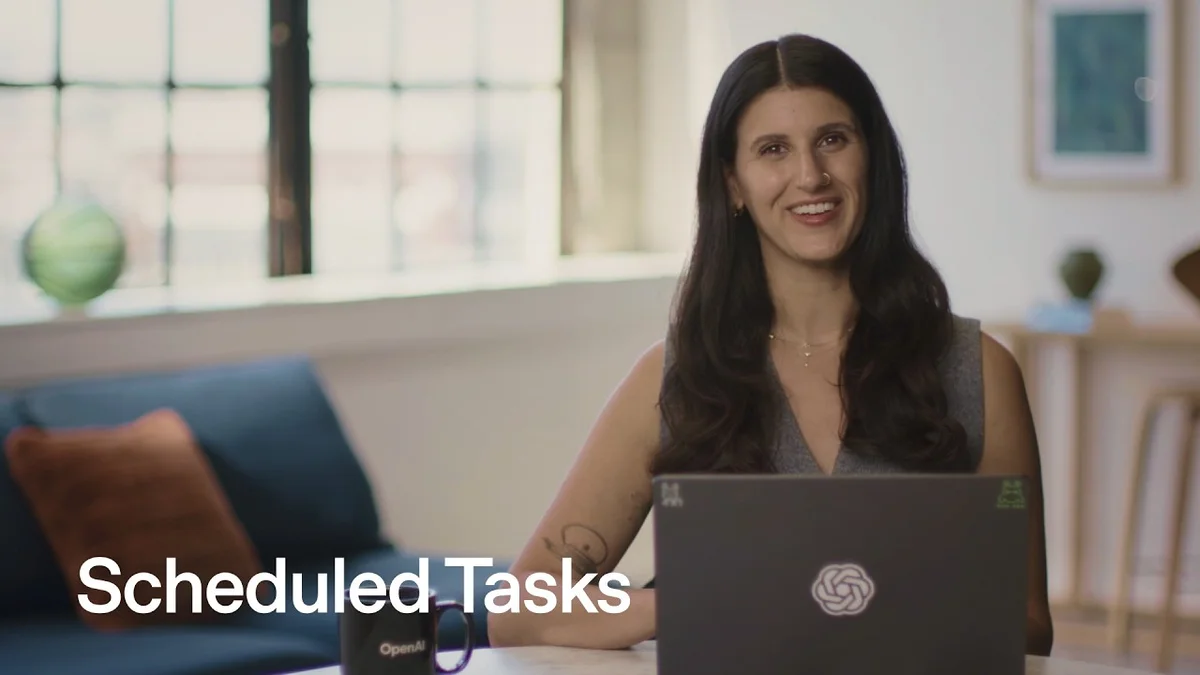
ChatGPT Work Adds Scheduled Tasks

ChatGPT Work adds scheduled tasks that run hourly, daily or weekly using Gmail, Google Calendar and skills, managed from a new Scheduled page.

7 min read
ChatGPT Work scheduled tasks running automated meeting briefs
ChatGPT Work automates meeting prep and inbox checks with scheduled tasks and skills.· OpenAI Youtube
Visual TL;DR
Manual PromptingDriver
users had to ask ChatGPT the same question every single time
From the articleOpenAI frames it as routine work without the repeat prompting.
Set Daily CadenceEffect
user tells ChatGPT to repeat the same prep every weekday at nine
From the articleYou set an hourly, daily or weekly cadence and ChatGPT executes in background across web, mobile and desktop at chatgpt.com.
Scheduled TasksCore
ChatGPT Work now runs prompts on hourly, daily or weekly cadence
From the article 9+ mentionsChatGPT Work just made scheduled tasks its core automation hook.
Scheduled PageCore
new sidebar control plane shows next run time, pause and edit options
From the article 5 mentionsThat instruction becomes a live entry under Scheduled in the sidebar, where you can see the next run time, change the time, pause or delete it.
Manual PromptingDriver
users had to ask ChatGPT the same question every single time
From the articleOpenAI frames it as routine work without the repeat prompting.
Scheduled TasksCore
ChatGPT Work now runs prompts on hourly, daily or weekly cadence
From the article 9+ mentionsChatGPT Work just made scheduled tasks its core automation hook.
Connect Calendar & GmailContext
Plugins link Google Calendar and Gmail to feed ChatGPT meeting context
From the article(NASDAQ:GOOGL) Calendar and Gmail under Plugins, ask ChatGPT to scan today's meetings, pull relevant emails and write a short brief for each.
Build Meeting BriefEffect
scans today's meetings, pulls related emails and writes a short brief
From the article 2 mentionsThe video updates a 9am weekday brief to use a meeting prep skill, locking in structure instead of relying on ad hoc prompts.
Set Daily CadenceEffect
user tells ChatGPT to repeat the same prep every weekday at nine
From the articleYou set an hourly, daily or weekly cadence and ChatGPT executes in background across web, mobile and desktop at chatgpt.com.
Scheduled PageCore
new sidebar control plane shows next run time, pause and edit options
From the article 5 mentionsThat instruction becomes a live entry under Scheduled in the sidebar, where you can see the next run time, change the time, pause or delete it.
Background ExecutionOutcome
tasks run on their own across web, mobile and desktop at chatgpt.com
From the article 2 mentionsScheduled tasks, plus app connectors for Gmail, Slack and GitHub when available for your account, turn a chat box into background labor.
Gaps RemainOutcome
routines still depend on plugin coverage and explicit setup per workflow
Contents(4)

ChatGPT Work just made scheduled tasks its core automation hook. The feature lets you tell ChatGPT once what to do and when, then it runs on its own.

OpenAI frames it as routine work without the repeat prompting. You set an hourly, daily or weekly cadence and ChatGPT executes in background across web, mobile and desktop at chatgpt.com.

The full discussion can be found on OpenAI Youtube's YouTube channel.

Scheduled Tasks - OpenAI Youtube
Scheduled Tasks, from OpenAI Youtube

From Prompt To Routine

The demo centers on meeting prep. Connect Alphabet Inc. (NASDAQ:GOOGL) Calendar and Gmail under Plugins, ask ChatGPT to scan today's meetings, pull relevant emails and write a short brief for each.

If the output looks right, you then tell it to do the same every weekday at nine. That instruction becomes a live entry under Scheduled in the sidebar, where you can see the next run time, change the time, pause or delete it.

The page is the control plane. OpenAI describes it as one place to view active tasks, edit them and resume or delete without digging through chats.

Recurrence is flexible. Paid plans can run up to once per hour with exact delivery times, while free users are limited to once per day. Event-triggered tasks, which require Work on Plus, Pro, Business or Enterprise, can fire up to 30 times per hour.

Skills Make It Stick

Scheduled tasks alone decide when work happens. Skills decide how it is done.

According to OpenAI Youtube, a skill remembers your preferred format and tools, so the task output lands the same way every time. The video updates a 9am weekday brief to use a meeting prep skill, locking in structure instead of relying on ad hoc prompts.

That split matters for teams. Use skills to define the action and provide context, then let the schedule handle repetition. OpenAI also notes standalone tasks start a new chat each run, while in-chat schedules retain context for follow-ups.

Other examples are deliberately consumer: a twice-daily urgent inbox check, finding cool events in the city, hunting for sold out tickets to a show. Same pattern, different triggers.

Why This Matters Now

ChatGPT Work is OpenAI's bet that the assistant must act when you are not there. Scheduled tasks, plus app connectors for Gmail, Slack and GitHub when available for your account, turn a chat box into background labor.

The timing is competitive. Google has long owned calendar automation via Assistant and now Gemini, and Microsoft (NASDAQ:MSFT) is pushing Copilot to summarize meetings and triage Outlook. Both live inside the inbox and calendar where OpenAI must plug in via permissions.

OpenAI's edge is specificity. You test a prompt manually first, then schedule it, and the task runs unattended with your default sandbox settings. In the desktop app it can even work inside a local project directory or an isolated worktree, keeping the machine on and the app running when local files are needed.

That developer surface is new. OpenAI suggests schedules that evaluate telemetry errors and submit fixes or produce briefs on recent codebase changes, with worktree isolation to avoid clobbering unfinished work.

Where Gaps Remain

Permissions still gate everything. Connected apps can read or take actions based on granted scopes, and a task that sends a message or mutates external data may pause for approval. Admins in managed workspaces control app availability and persistent permissions, which will limit enterprise rollout.

StartupHub.ai data shows how crowded that enterprise utility layer is. Google Calendar scores 10/100 on our index, a reminder that calendaring itself is commoditized, while assistant competitors we track sit higher: Google at 74/100 and Perplexity AI at 72/100, ahead of Lucidworks at 52/100, matey at 50/100 and Dante at 47/100.

OpenAI's distribution play is ChatGPT Work itself. Nearly 100% of internal teams now use ChatGPT Work and Codex, the company says, but external adoption will hinge on reliability of notifications, handling of grouped events, and whether users trust an agent that runs while they sleep.

For now the pitch is simple. Say what you want and when you want it, check Scheduled, and let the routine run.

© 2026 StartupHub.ai. All rights reserved. Do not enter, scrape, copy, reproduce, or republish this article in whole or in part. Use as input to AI training, fine-tuning, retrieval-augmented generation, or any machine-learning system is prohibited without written license. Substantially-similar derivative works will be pursued to the fullest extent of applicable copyright, database, and computer-misuse laws. See our terms.