

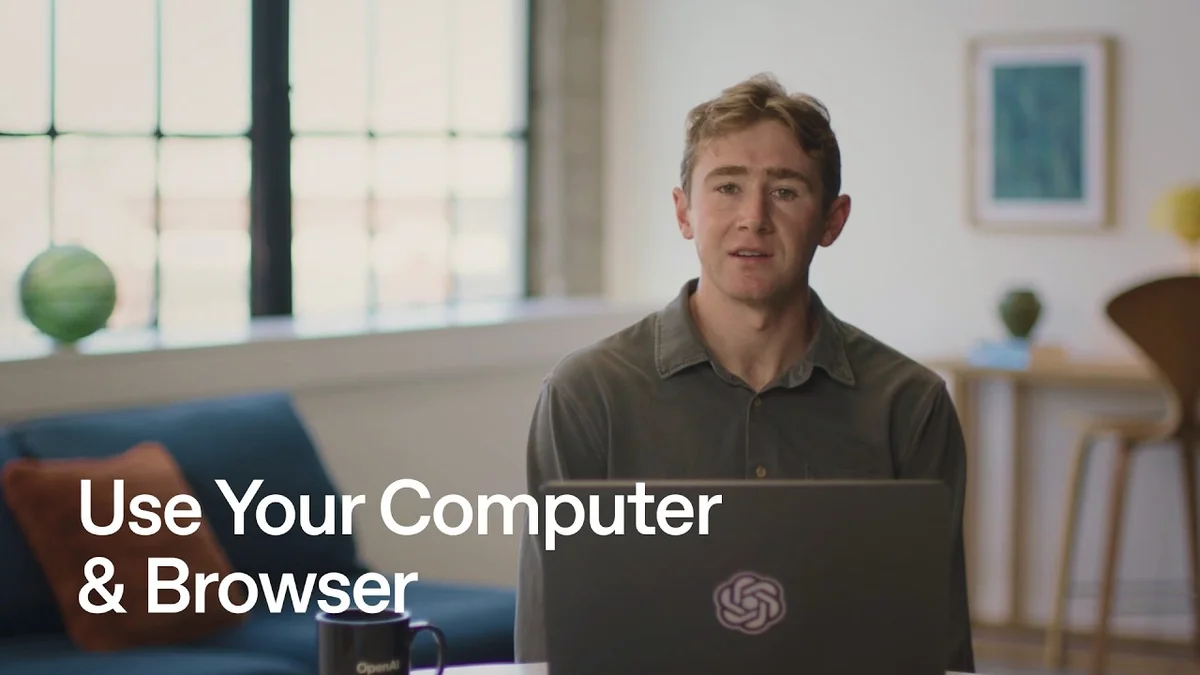
ChatGPT Work Adds Computer and Chrome Use

ChatGPT Work adds Computer Use for desktop apps and Chrome Use for signed-in browser sessions, both gated to the desktop app with permission prompts and human review.

8 min read
ChatGPT Work Computer Use and Chrome Use on desktop app
ChatGPT Work now automates tasks across desktop apps and Chrome with permission prompts.· OpenAI Youtube
Visual TL;DR
ChatGPT Work UpdateCore
OpenAI adds computer and browser control to the ChatGPT Work tab only
From the article 6 mentionsThe update adds Computer Use and Chrome Use, only in the Work tab of the desktop app.
Computer Use ModeCore
Lets ChatGPT click and type inside macOS desktop apps like a human user
From the article 7 mentionsComputer Use lets ChatGPT use desktop apps just like you do.
Chrome Use ModeCore
Operates Chrome browser where user is already signed into websites and web apps
From the article 8 mentionsChrome Use is the same idea in your browser, using websites where you are already signed in.
Desktop Only GatingDriver
Neither feature works in regular ChatGPT, on web, or on mobile phones
From the articleThe update adds Computer Use and Chrome Use, only in the Work tab of the desktop app.
Plugins Fall ShortDriver
Plugins cannot reach signed-in sites or arbitrary local desktop applications
ChatGPT Work UpdateCore
OpenAI adds computer and browser control to the ChatGPT Work tab only
From the article 6 mentionsThe update adds Computer Use and Chrome Use, only in the Work tab of the desktop app.
Computer Use ModeCore
Lets ChatGPT click and type inside macOS desktop apps like a human user
From the article 7 mentionsComputer Use lets ChatGPT use desktop apps just like you do.
Chrome Use ModeCore
Operates Chrome browser where user is already signed into websites and web apps
From the article 8 mentionsChrome Use is the same idea in your browser, using websites where you are already signed in.
Competitor LandscapeContext
Rivals like Operator and Claude take different approaches to browser and computer control
From the articleStartupHub.ai data shows Workday at 38/100, trailing HR competitors we track including Personio at 64/100, Gloat at 62/100, BambooHR at 53/100 and ai.work at 55/100.
Permission PromptsDriver
ChatGPT asks before each app or site, users can allow once or remember choice
From the article 3 mentionsChatGPT surfaces permission prompts and a final result you can review.
Desktop Only GatingDriver
Neither feature works in regular ChatGPT, on web, or on mobile phones
From the articleThe update adds Computer Use and Chrome Use, only in the Work tab of the desktop app.
User ImpactEffect
Employees can delegate multi-app workflows with human review and background execution
From the article 2 mentionsWorkday is the example OpenAI chose because it is ubiquitous and rarely has a clean API path for the ad hoc tasks users actually ask for.
Enterprise and HROutcome
HR and enterprise software vendors face new automation inside their existing app
From the article 2 mentionsFor enterprises, OpenAI says the desktop app now integrates Chat, Codex and Work into a single service across all plans, while Work itself rolls to Pro, Enterprise and Edu first.
Contents(5)

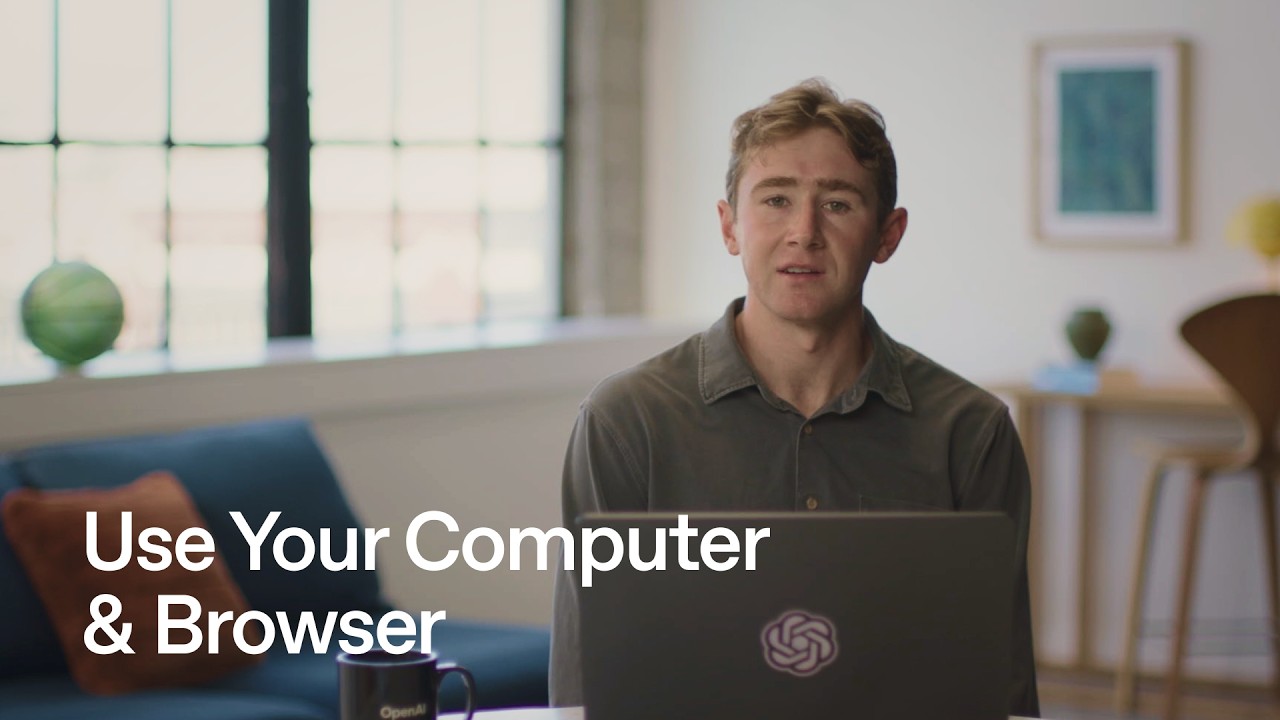
ChatGPT Work now lets ChatGPT click and type inside the apps and sites you already use. The update adds Computer Use and Chrome Use, only in the Work tab of the desktop app.

According to OpenAI Youtube, neither mode works in regular ChatGPT, on the web or on your phone. That constraint is deliberate. OpenAI is keeping local access tied to the desktop install where permissions can be enforced.

The full discussion can be found on OpenAI Youtube's YouTube channel.

Use Your Computer and Browser - OpenAI Youtube
Use Your Computer and Browser, from OpenAI Youtube

How Computer Use and Chrome Use actually work

Computer Use lets ChatGPT use desktop apps just like you do. It can click, type and move between apps and windows.

Chrome Use is the same idea in your browser, using websites where you are already signed in. Both can work in the background so you can keep using your computer.

Before accessing an app or website, ChatGPT asks for permission. You can allow it once or let it remember your choice for next time.

On macOS, Computer Use can work in the background while you use other apps, with a picture-in-picture preview. On Windows it runs in the foreground and takes over pointer and keyboard.

Why plugins are not enough

ChatGPT Work still prefers a plugin when a direct route exists. Use a plugin when there is a direct route to the tool you need, choose Computer Use when work lives on a desktop app and choose Chrome Use when work lives in a browser you are already signed into.

The video demo makes the split explicit. A spoken request to play a daylist on Spotify (NYSE:SPOT) has no special integration, so ChatGPT drives the desktop app directly. For HR work, Workday (NASDAQ:WDAY) has no plugin, so Chrome Use fills the form while a Google Calendar plugin checks for conflicts.

That hybrid matters. Workday handles PTO, and the demo shows a request for September 14th and 15th with calendar conflict checking and a draft out-of-office event. Chrome Use opens tabs and completes the fields, the Calendar plugin does the structured lookup, and both drafts stop before submit.

What changes for users in practice

Dictation is supported, so you can speak the request instead of typing. If you want to show ChatGPT what you are looking at, you press Command Command to take an appshot, which is a screenshot with context.

ChatGPT surfaces permission prompts and a final result you can review. Submitting PTO and creating an event are treated as real changes, so you get to review them first. Nothing is booked or sent without approval.

OpenAI positions this as scoped desktop automation, not an always-on agent. The target cases are moving notes into a system of record, checking context across apps before drafting, or copying approved details between tools that lack a plugin.

Where this fits against Operator and Claude

OpenAI already has Operator, a browser agent powered by its Computer-Using Agent model, while Anthropic ships Claude Computer Use on Claude 3.5 Sonnet for browsers and desktop apps. ChatGPT Work narrows that gap by bringing both surfaces into one place, with an integrated browser for Computer Use and a separate Chrome path via @Chrome.

The difference is distribution. Operator runs in a hosted browser, Claude Computer Use runs locally on macOS for Pro and Max users, and ChatGPT Work now splits the difference: a built-in browser for public or localhost sites and the Chrome extension for your existing signed-in profile, tabs and extensions.

For enterprises, OpenAI says the desktop app now integrates Chat, Codex and Work into a single service across all plans, while Work itself rolls to Pro, Enterprise and Edu first. IT can manage browser use, plugins and sensitive-action approvals with Enterprise controls.

Why this matters for HR and enterprise software

Workday is the example OpenAI chose because it is ubiquitous and rarely has a clean API path for the ad hoc tasks users actually ask for. StartupHub.ai data shows Workday at 38/100, trailing HR competitors we track including Personio at 64/100, Gloat at 62/100, BambooHR at 53/100 and ai.work at 55/100.

That gap reflects product strategy. Vendors with richer plugin ecosystems get the structured route, others get automated in the UI layer. If ChatGPT can reliably fill Workday forms via Chrome Use, the value of a native Workday plugin drops, and the browser becomes the universal adapter.

The risk is the same as the opportunity. UI automation is brittle when sites change, and foreground control on Windows blocks multitasking. Background execution on macOS helps, but admins will still need to decide which apps require once versus remember, and which state changes demand human review.

© 2026 StartupHub.ai. All rights reserved. Do not enter, scrape, copy, reproduce, or republish this article in whole or in part. Use as input to AI training, fine-tuning, retrieval-augmented generation, or any machine-learning system is prohibited without written license. Substantially-similar derivative works will be pursued to the fullest extent of applicable copyright, database, and computer-misuse laws. See our terms.