

IBM's Downie on Synthetic Monitoring for AI

Amanda Downie of IBM explains how synthetic monitoring proactively identifies issues in user journeys like login and checkout, enabling teams to ensure reliability and performance.

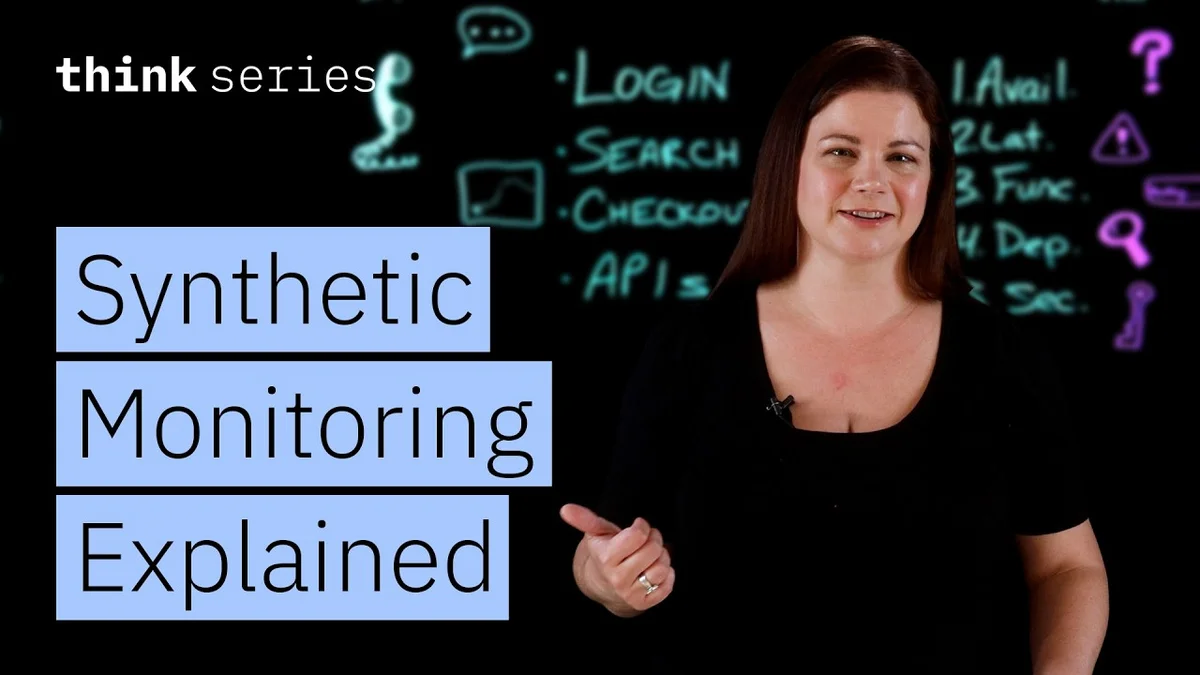
Amanda Downie, Editorial Team Lead at IBM, speaking.
Image credit: IBM· IBM

In the fast-paced world of software development and AI deployment, ensuring a seamless user experience is paramount. Waiting for real-world failures or user complaints to discover issues is a reactive and often costly approach. Amanda Downie, Editorial Team Lead at IBM, discusses the critical role of synthetic monitoring in proactively identifying and resolving potential problems before they impact end-users. This video breaks down what synthetic monitoring is, why it's essential for maintaining reliable releases, and how to effectively implement it as part of a DevOps toolkit.

Meet Amanda Downie

Amanda Downie leads the editorial team at IBM, a global technology giant renowned for its extensive contributions to computing and artificial intelligence. In her role, Downie is responsible for shaping and communicating IBM's thought leadership and technical insights. Her expertise lies in understanding and articulating complex technological concepts, making her a valuable voice in the discussion around modern software development practices like DevOps and AI integration.

The Core of Synthetic Monitoring

Downie defines synthetic monitoring as a proactive method for tracking digital experiences. Instead of waiting for actual user traffic, synthetic monitoring simulates user actions on applications and services. This involves running automated scripts that mimic critical user journeys, such as logging in, searching for products, completing a checkout process, or interacting with APIs. These tests are executed regularly from various locations, providing a constant stream of data on application performance and availability.

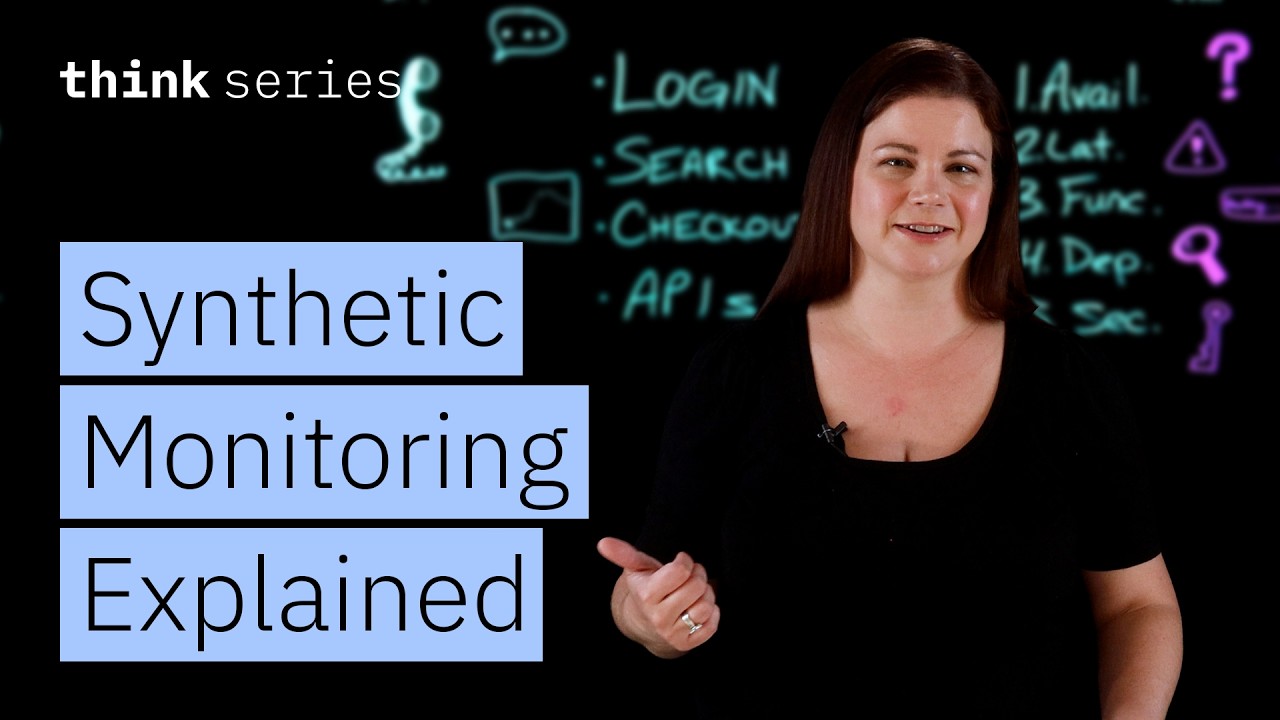
The full discussion can be found on IBM's YouTube channel.
Synthetic Monitoring Explained: A Guide to Reliable DevOps Workflows - IBM
Synthetic Monitoring Explained: A Guide to Reliable DevOps Workflows — from IBM

The primary benefit of this approach is its ability to detect issues before they affect real users. "When users can't log in, search, or complete a checkout, you are already in an incident response mode," Downie explains. Synthetic monitoring provides a predictive signal, allowing teams to catch regressions or configuration problems early. By simulating key actions like page loads, API calls, or transaction completions, development and operations teams can gain insights into the system's health from the user's perspective.

Key Use Cases and Benefits

Downie highlights several key areas where synthetic monitoring proves invaluable:

  • proactive issue detection: Synthetic tests act as an early warning system. By simulating common user paths, teams can identify performance degradations or functional errors before they impact a significant number of users. This shifts the focus from reactive incident management to proactive problem prevention.
  • Shift-Left Testing: By integrating synthetic tests into the CI/CD pipeline, teams can validate functionality and performance early in the development lifecycle. This allows for faster feedback loops and reduces the cost of fixing issues discovered later in the release process.
  • Performance Validation and Reliability: Synthetic monitoring allows teams to measure key performance indicators like uptime, latency, and the success rate of critical transactions. This data is crucial for ensuring services meet defined service level objectives (SLOs) and performance thresholds.
  • Understanding User Experience Across Geographies: Tests can be run from diverse geographical locations, providing insights into how users in different regions experience the application. This is vital for global services where performance can vary significantly based on network conditions.

Downie emphasizes that synthetic monitoring is not just about detecting simple errors; it's about validating the entire user journey. For example, a synthetic test might simulate a user logging in, adding an item to a cart, and proceeding to checkout. If any step in this sequence fails or experiences unacceptable latency, an alert is triggered, allowing the team to investigate. "You can catch regressions or performance issues before they reach production telemetry," she notes.

Implementing Synthetic Monitoring Effectively

To effectively leverage synthetic monitoring, Downie suggests a strategic approach:

  • Define Critical User Flows: Identify the most important paths users take through the application, such as login, search, checkout, or key API interactions. These are the scenarios that must be monitored.
  • Layered Monitoring: Implement tests for availability, latency, functional assertions, and security signals. This provides a comprehensive view of application health.
  • Use Consistent Tests: Ensure that the same synthetic tests used in pre-production environments are also run in production. This consistency is key to detecting discrepancies caused by the production environment itself.
  • Set Meaningful Alerts: Alerts should be actionable and indicate genuine issues, not just minor fluctuations. Focus on thresholds that reflect real user impact.

Downie advises starting with a few critical tests and gradually expanding coverage. "It doesn't need to be a complex rollout to begin," she states. By focusing on 3-5 critical workflows, teams can gain immediate value. These include defining availability checks for critical services, monitoring API response times and status codes, testing functional success of key user interactions like a successful login or a completed transaction, and checking dependencies like DNS resolution or certificate validity.

Ultimately, synthetic monitoring serves as a vital proactive safeguard. It helps teams anticipate and address potential problems, ensuring that the user experience remains positive and that critical performance goals are met, even before significant real-world traffic is observed.

© 2026 StartupHub.ai. All rights reserved. Do not enter, scrape, copy, reproduce, or republish this article in whole or in part. Use as input to AI training, fine-tuning, retrieval-augmented generation, or any machine-learning system is prohibited without written license. Substantially-similar derivative works will be pursued to the fullest extent of applicable copyright, database, and computer-misuse laws. See our terms.